

Excali Local
1 rating
)
Overview
Local Excalidraw editor, enjoy drawing!
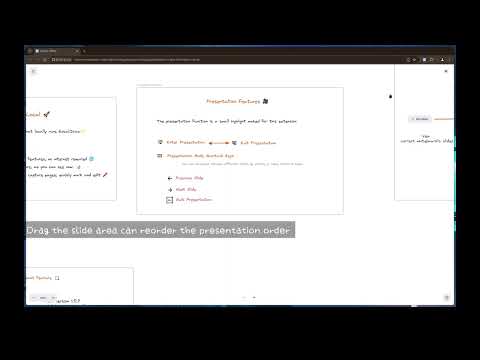
**Welcome to Your Ultimate Visual Creation & Management Tool!** Unleash your creativity with our enhanced Chrome extension, seamlessly combining the power of Excalidraw with exciting new features! Here's how you can elevate your visual storytelling and organization: **🎨 New Feature Highlights** - **🖼️ Personal Drawing Library:** Never worry about losing your work again! You can now save multiple drawings directly in your browser and reload them with a single click. Every drawing automatically generates a visual thumbnail, helping you find exactly what you need at a glance. - **🗂️ Organize with Collections:** Keep your projects tidy by grouping related work. Use the new sidebar to create custom collections—like "UI Mockups" or "Brainstorming"—and move drawings between them effortlessly. It's the perfect way to manage a growing library without the clutter! **🚀 Core Functionality at a Glance** - **Transform Your Workflow with Seamless Integration:** Access your local Excalidraw editor effortlessly from the new Popup menu. Enjoy all your favorite drawing features with just a click. - **Capture and Create Instantly:** Use the new screenshot tool to snap your current tab's view or select a specific area, then launch into the Excalidraw editor with your image centered for easy annotation and creativity. **✨ Refined Presentation Experience** - **Enhanced Presentation Power:** Navigate your presentations with the intuitive frame tool and organize slides with ease. Enjoy smooth transitions between presentation and editing modes for a streamlined workflow. - **Master with Ease:** Command your presentation with simple shortcuts: press `Esc` to exit, and use `Arrow Left` and `Arrow Right` to navigate. Experience the future of digital creativity and storytelling. Download now to transform your visual projects into captivating presentations and meticulously managed collections!
5 out of 51 rating
Details
- Version1.6.4
- UpdatedJanuary 22, 2026
- Size3.1MiB
- Languages2 languages
- Developer
Email
wittywys@gmail.com - Non-traderThis developer has not identified itself as a trader. For consumers in the European Union, please note that consumer rights do not apply to contracts between you and this developer.
Privacy

This developer declares that your data is
- Not being sold to third parties, outside of the approved use cases
- Not being used or transferred for purposes that are unrelated to the item's core functionality
- Not being used or transferred to determine creditworthiness or for lending purposes
Support
For help with questions, suggestions, or problems, visit the developer's support site