


概述
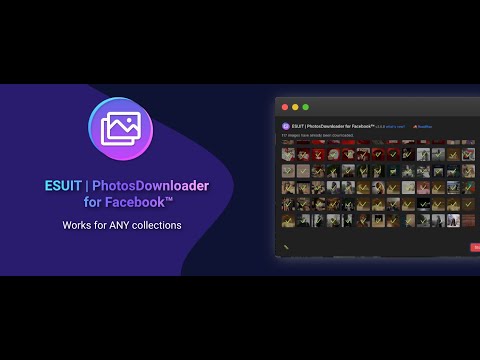
Bulk-download all photos from Albums or a single Facebook photo's collection.
Note: this extension is not officially developed by Facebook, The author is @ChangJoo Park. Got feedback or experiencing any issues? Let us know on Facebook! Your input is important to us and we're here to help. https://www.facebook.com/fbesuit Download all Facebook photos from Albums. This extension allows you to bulk-download all photos from Albums or a single Facebook collection. This extension uses Facebook addresses to function, so it needs to be able to read your browser data on Facebook addresses Works on: - Any User's Album - Any Page's Album - Any Photo Collection - Any photo viewer With ❤️ from fbesuit.com Instagram version https://chrome.google.com/webstore/detail/download-albums-for-insta/inkncgklbglecgdlcpfpajejocdpbpbd You know, it’s easy to save a single photo on Facebook. Just hover over the image, right-click or tap on the image and select “Save Image As…”, pretty simple, huh? What if you have a thousand pictures to download? I bet you don’t want to save them one by one. Imagine, with only a few clicks, you get a copy of all your favorite pictures. Even better, you’ll get the exact albums/photos you want without sacrificing image quality. You could then keep those digital memories in a safe place, or share them with family members offline. For those who want to close their Facebook account, you can do so without worrying about data loss. Or download all photos of your crush, everything done in a few clicks. Install this extension and make that works for you. Disclaimer: Please note this extension is NOT made by Facebook and is made by an independent development team. All copyrights belong to their respective owners. Facebook doesn’t endorse or sponsor this extension.
4.6 星(5 星制)986 个评分
详情
隐私权

“ESUIT | Photos Downloader for Facebook™”已就收集和使用用户数据披露了以下信息。 如需了解详情,请查看开发者的privacy policy。
ESUIT | Photos Downloader for Facebook™会处理以下数据:
该开发者已声明,您的数据:
- 不会因未获批准的用途出售给第三方
- 不会为实现与产品核心功能无关的目的而使用或转移
- 不会为确定信用度或放贷目的而使用或转移
支持
若有任何疑问、建议或问题,请在桌面浏览器中打开此页面