


Overview
Show a clear environment banner on sites you configure.
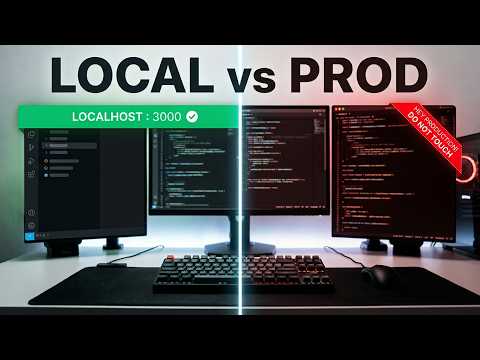
Add a clear visual environment label to websites you configure, so you can tell local, development, test, staging, and production sites apart. Choose a full-width banner, corner ribbon, compact pill, pull tab, or floating card. Customize its text, color, border, and position. Use suggested environment presets, then adjust them to fit your workflow. To get started, open the extension on a website and add a banner, or open Settings to create and manage site rules. Approve access for each hostname you configure. Import and export JSON backups when you want to move or share your rules. Your site rules are stored in your browser. The extension does not send your browsing data to a server or use analytics. Site access is requested for the hostname you choose, over HTTP and HTTPS. For help, email contact@codemo.dev.
0 out of 5No ratings
Details
- Version1.0.0
- UpdatedOctober 9, 2026
- Size45.81KiB
- LanguagesEnglish
- DeveloperWebsite
Email
contact@codemo.dev - Non-traderThis developer has not identified itself as a trader. For consumers in the European Union, please note that consumer rights do not apply to contracts between you and this developer.
Privacy

This developer declares that your data is
- Not being sold to third parties, outside of the approved use cases
- Not being used or transferred for purposes that are unrelated to the item's core functionality
- Not being used or transferred to determine creditworthiness or for lending purposes
Support
For help with questions, suggestions, or problems, please open this page on your desktop browser