


개요
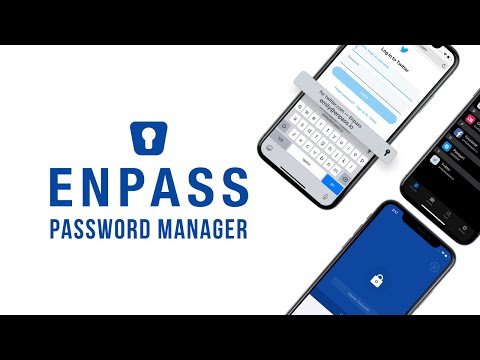
Enpass extension autofills logins, passwords, credit cards and identities from the Enpass desktop application.
REQUIREMENTS: Free Enpass desktop application ver 5.2 or above on Windows, Mac and Linux. RELEASE NOTES: http://www.enpass.io/release-notes/enpass-browser-extensions/ Enpass password manager secures your passwords, credit cards and all other credentials offline on your device and is available for all major desktop, mobiles and tablets. For secure and smooth browsing experience on desktops (Windows, Mac and Linux), Enpass Browser extensions works in conjunction with desktop application for autofilling usernames, passwords and credit cards on the web pages where ever you need them. It also lets you create strong & unique passwords, save new logins and much more to avoid the copy/paste details between main app and browser.
5점 만점에 3.6점평점 425개
세부정보
개인정보 보호

개발자가 사용자 데이터에 관해 다음과 같이 선언했습니다
- 승인된 사용 사례를 제외하고 서드 파티에 판매하지 않음
- 항목의 핵심 기능과 관련 없는 목적으로 사용하거나 전송하지 않음
- 신용도 판단 또는 대출 목적으로 사용하거나 전송하지 않음
지원
질문, 제안 또는 문제와 관련하여 도움이 필요하면 데스크톱 브라우저에서 이 페이지를 여세요.