

Drop in - Add features to any web app

Overview
Create buttons, workflows, and custom views in any web app
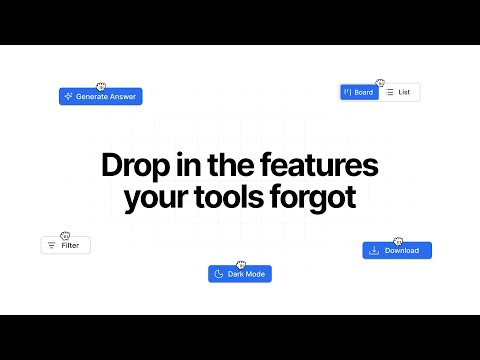
Every website is missing something. A workflow that should be one click. Data you need to move somewhere else. An action you repeat ten times a day that should be automatic. Drop in fixes that. Describe what you want in plain language, and it builds the feature for you, right on the page. No code, no templates. Your custom features are called Drops. Each Drop lives on the site you created it for and runs automatically every time you visit. Toggle them on or off, edit them, or remove them whenever you want. What you can build: - Save contacts from any profile page directly to Airtable - Add quick-reply shortcuts to messages you send every day - Create one-click actions for workflows you repeat constantly - Pull data from a page and push it to the tools you already use - Build custom buttons that trigger real functionality, not just cosmetic changes If you can describe it, Drop in can build it.
5 out of 54 ratings
Details
- Version1.2.4
- UpdatedApril 2, 2026
- FeaturesOffers in-app purchases
- Size1.49MiB
- LanguagesEnglish
- DeveloperFluid Software Labs UGWebsite
Lohengrinstraße 20 München 81925 DEEmail
contact@usedropin.comPhone
+49 176 30680096 - TraderThis developer has identified itself as a trader per the definition from the European Union and committed to only offer products or services that comply with EU laws.
- D-U-N-S317072724
Privacy

Drop in - Add features to any web app has disclosed the following information regarding the collection and usage of your data. More detailed information can be found in the developer's privacy policy.
Drop in - Add features to any web app handles the following:
This developer declares that your data is
- Not being sold to third parties, outside of the approved use cases
- Not being used or transferred for purposes that are unrelated to the item's core functionality
- Not being used or transferred to determine creditworthiness or for lending purposes