


概述
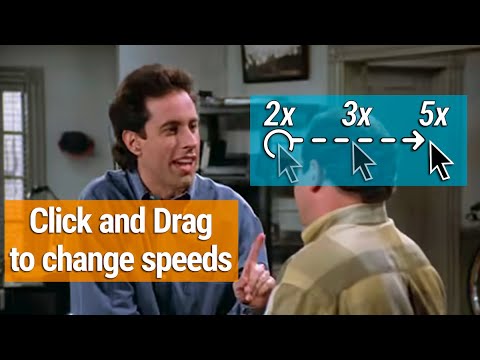
Click & drag left or right on Netflix videos to adjust the playback speed.
🔴 This is the Netflix version of the "Easy Speed Drag For YouTube" extension, available here: 🌐 https://chromewebstore.google.com/detail/lmcggcabhocpfkbddekmconplfjmmgmn Speed Controls For Netflix Videos: ------ ⏩ Click and hold anywhere on a Netflix video to play at 1.5x speed ➡️ Drag right for faster speeds. ⬅️ Drag left for slower speeds. ⬇️ Drag down before releasing the click to lock in the new speed. ▶️ Or, just release the click to return to normal speed. *️⃣ To return to normal speed after you've locked in a new speed, just hold down a new click and release. 🎛️ Set the speeds tiers you want in the settings (anywhere from 0.1x to 16x) Key Features: ------ 🧠 Incredibly Intuitive - Works exactly how you expect it to ⏭️ Skim Over The Boring Stuff - Easiest way to fast forward over bits of boring content 😃 Don't miss The Good Stuff - Never miss things you want to see by accidentally skipping over it. Easy to stop exactly when you want. 🥷 Never In Your Way - Extension adds features but does not interfere with any native features. It's only there when you want it to be. What Else? - ✅ No data collection ✅ No ads or monetization ✅ Minimal Permissions
5 星(5 星制)1 个评分
详情
隐私权
该开发者已声明,您的数据:
- 不会因未获批准的用途出售给第三方
- 不会为实现与产品核心功能无关的目的而使用或转移
- 不会为确定信用度或放贷目的而使用或转移
支持
若有任何疑问、建议或问题,请在桌面浏览器中打开此页面