


Overview
Try on clothes with AI using a photo or live camera, while browsing the shop page.
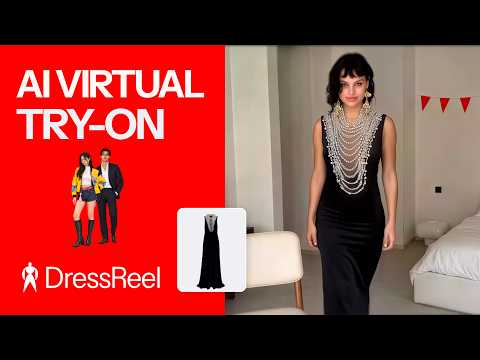
Try on clothes from an online shop without leaving the page. DressReel opens a virtual fitting room over the shop page. You can also use the Chrome side panel. • Pick or drag a clothing image from the active shop page, or upload one. • Use Photo mode to create a still preview with a photo of yourself. • Use Live mode for real-time AI virtual try-on with your camera. • Download your result or choose to save it to your history. When you start a try-on, DressReel sends the selected clothing images and your photo or camera frames to AI providers for processing. Your original photo stays available in the current session. DressReel is free to install and offers a limited trial when available. You can buy more try-on time with a one-time payment. AI previews are illustrative. Actual fit, shape and colours may vary.
5 out of 51 rating
Details
- Version0.2.29
- UpdatedNovember 14, 2026
- FeaturesOffers in-app purchases
- Size39.68MiB
- LanguagesEnglish
- DeveloperWebsite
Email
hello@dressreel.com - Non-traderThis developer has not identified itself as a trader. For consumers in the European Union, please note that consumer rights do not apply to contracts between you and this developer.
Privacy

DressReel — Virtual Try-On for Clothes has disclosed the following information regarding the collection and usage of your data. More detailed information can be found in the developer's privacy policy.
DressReel — Virtual Try-On for Clothes handles the following:
This developer declares that your data is
- Not being sold to third parties, outside of the approved use cases
- Not being used or transferred for purposes that are unrelated to the item's core functionality
- Not being used or transferred to determine creditworthiness or for lending purposes
Support
For help with questions, suggestions, or problems, visit the developer's support site