


Overview
Open any PDF link in DraftLayer to measure, mark up and annotate it, while keeping the original link active.
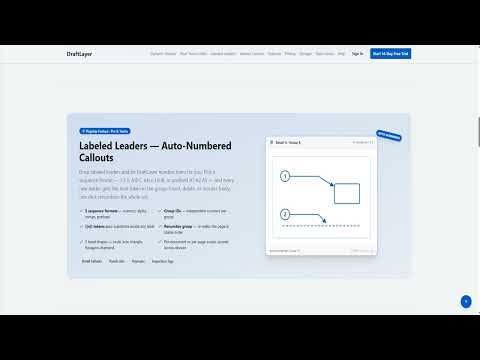
DraftLayer lets you open any PDF or image link from the web directly in DraftLayer — a full browser-based markup studio for measuring, annotating, stamping, and marking up drawings and documents. How it works: • Right-click any PDF or image link and choose "Open in DraftLayer". • Optionally, PDF pages are intercepted automatically and opened in DraftLayer instead of the browser's built-in viewer (you can turn this off per-site or globally). • The file is fetched using your own browser session, so documents behind logins still open. • If the source server supports writing (PUT/WebDAV), DraftLayer can save your markups back to the original link. Features in the DraftLayer editor include measurement and scale calibration, clouds, leaders, stamps and form stamps, layers, version history, and export to PDF. Your files are transferred in memory only — nothing is uploaded to third-party servers by the extension.
0 out of 5No ratings
Details
- Version1.2.0
- UpdatedSeptember 3, 2026
- Size36.85KiB
- LanguagesEnglish
- DeveloperLexar Engineering IncWebsite
183 Nisbet Blvd Waterdown, ON L8B 0S7 CAEmail
lexareng@gmail.comPhone
+1 647-478-9154 - TraderThis developer has identified itself as a trader per the definition from the European Union and committed to only offer products or services that comply with EU laws.
- D-U-N-S203642236
Privacy

This developer declares that your data is
- Not being sold to third parties, outside of the approved use cases
- Not being used or transferred for purposes that are unrelated to the item's core functionality
- Not being used or transferred to determine creditworthiness or for lending purposes