

Download Video

概述
Download Amazon videos or any videos streamed via HLS or DASH protocol that cannot be saved from a context menu with Save video as
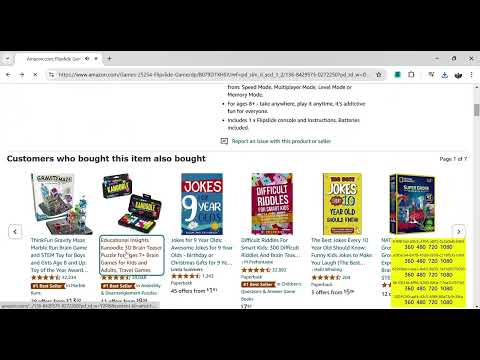
Download streamed videos in any available resolution. The extension intercepts manifest of the currently playing video and displays a link for each available resolution, e.g. each Amazon video has typically resolutions 1080 720 480 360. When a link is clicked, the extension downloads the video fragments corresponding to the selected resolution and combines them into an mp4 file. The resulting mp4 file is saved into the standard Downloads folder. Two streaming protocols are supported: - HLS, e.g. amazon.com, cnn.com, linkedin.com or time.com - DASH, e.g. bbc.com The extension disregards intact files protocols other than HLS or DASH. Intact downloadable mp4 video files should be downloaded using the standard option Save video as... in the context menu. The extension is free and open source. Its code is described in https://marian-caikovski.medium.com/how-to-download-a-streamed-video-cb9975527f22 In addition to downloading streamed videos, the extension facilitates downloading intact videos from mutilated video elements: - the extension reenables the standard video controls such as the Download option - removes overlays, such as fake controls, above the video element - enables the context menu with Save video as... option Feel free to leave your feedback or to report a website where extension does not work
0 星(5 星制)无评分
详情
- 版本0.0.8
- 上次更新日期2025年4月20日
- 提供方marian.caikovski
- 大小9.83MiB
- 语言English
- 开发者
邮箱
marian.caikovski@gmail.com - 非交易者该开发者尚未将自己标识为交易者。欧盟地区消费者须知:消费者权利可能不适用于您与该开发者达成的合约。
隐私权

该开发者已声明,您的数据:
- 不会因未获批准的用途出售给第三方
- 不会为实现与产品核心功能无关的目的而使用或转移
- 不会为确定信用度或放贷目的而使用或转移
支持
若有任何疑问、建议或问题,请在桌面浏览器中打开此页面