


개요
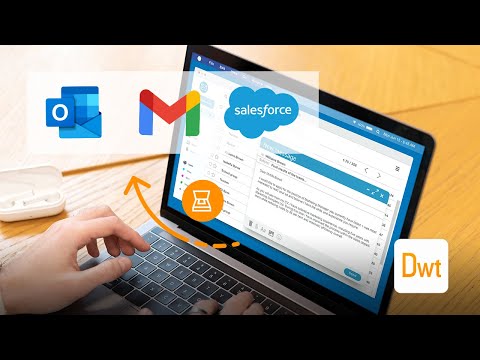
Scan documents on web pages and directly save them as attachments or images in web apps like Gmail, Outlook and Salesforce.
The extension enables scanning documents on web pages and directly save them as attachments or images in web apps like Gmail, Outlook and Salesforce. A scanner modal will appear after pressing the scanner icon added by the extension in the toolbar of supported web apps. 1. Is the Document Scanner available for free? It is free for personal use. If you want to use it for commercial purposes, please contact us at sales@dynamsoft.com. 2. On which platforms and browsers does the Document Scanner Extension operate? Supported Platforms: Windows, macOS, and Linux. Supported Browsers: Chrome and Edge. Supported Web Apps: Gmail, Outlook and Salesforce. 3. Which file formats are supported by the extension for saving as attachments? The extension supports saving attachments in multiple-page PDF and JPG formats. Dynamic Web TWAIN is used to provide the ability to scan documents via scanners. You can learn about how to use Dynamic Web TWAIN to add document scanning to your web application by reading the docs: https://www.dynamsoft.com/web-twain/docs/introduction/index.html
5점 만점에 4.3점평점 3개
세부정보
개인정보 보호

개발자가 사용자 데이터에 관해 다음과 같이 선언했습니다
- 승인된 사용 사례를 제외하고 서드 파티에 판매하지 않음
- 항목의 핵심 기능과 관련 없는 목적으로 사용하거나 전송하지 않음
- 신용도 판단 또는 대출 목적으로 사용하거나 전송하지 않음
지원
질문, 제안 또는 문제와 관련하여 도움이 필요하시면 개발자의 지원 사이트를 방문하세요.