


概要
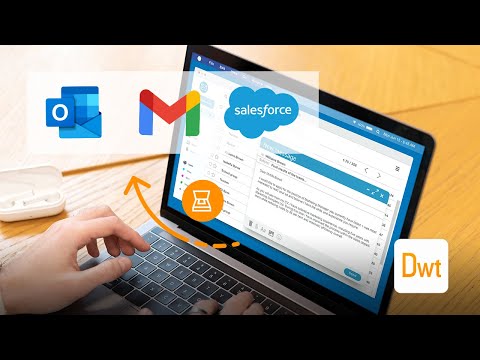
Scan documents on web pages and directly save them as attachments or images in web apps like Gmail, Outlook and Salesforce.
The extension enables scanning documents on web pages and directly save them as attachments or images in web apps like Gmail, Outlook and Salesforce. A scanner modal will appear after pressing the scanner icon added by the extension in the toolbar of supported web apps. 1. Is the Document Scanner available for free? It is free for personal use. If you want to use it for commercial purposes, please contact us at sales@dynamsoft.com. 2. On which platforms and browsers does the Document Scanner Extension operate? Supported Platforms: Windows, macOS, and Linux. Supported Browsers: Chrome and Edge. Supported Web Apps: Gmail, Outlook and Salesforce. 3. Which file formats are supported by the extension for saving as attachments? The extension supports saving attachments in multiple-page PDF and JPG formats. Dynamic Web TWAIN is used to provide the ability to scan documents via scanners. You can learn about how to use Dynamic Web TWAIN to add document scanning to your web application by reading the docs: https://www.dynamsoft.com/web-twain/docs/introduction/index.html
5 点満点で 3.84 件の評価
詳細
プライバシー

このデベロッパーは、お客様のデータについて以下を宣言しています
- 承認されている以外の用途で第三者に販売しないこと
- アイテムの中心機能と関係のない目的で使用または転送しないこと
- 信用力を判断する目的または融資目的で使用または転送しないこと
サポート
質問や提案、問題がある場合は、デベロッパーのサポートサイトにアクセスしてください。