


Översikt
Create hotkeys for Google Docs
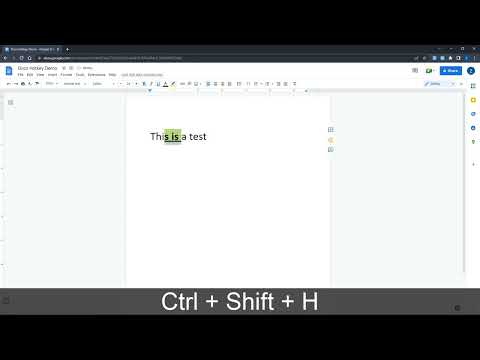
Docs Hotkey allows for complex hotkey setups with simple configuration. Hotkeys can be created to do the following: - Highlight in any color - Bold - Underline - Italicize - Change text color - Change fonts - Change font size - Set heading type (e.g., Heading 1, Normal Text, Title) - Strike through text - Change alignment and indentation - Add emoji reactions - Add bulleted lists and set their spacing - Clear all styles and remove specific styles - Execute add-ons - Insert search menu components (e.g., building blocks) A single hotkey can be configured to do several of these at once. Docs Hotkey was originally created solely for the addition of a highlight shortcut, but it has since expanded to many others. If you'd like to see a new shortcut added or if you encounter a bug, feel free to contact me. Also supports Google Slides and Google Classroom! Documentation: https://docs-hotkey.zackmurry.com
4,6 av 583 betyg
Information
- Version0.23
- Uppdaterat28 februari 2026
- Erbjudandet kommer frånZack Murry
- Storlek790KiB
- SpråkEnglish
- Utvecklare
E-post
zackk.murryy@gmail.com - Icke-näringsidkareUtvecklaren har inte angett att den är näringsidkare. Konsumenter i EU bör tänka på att konsumenträttigheter inte gäller för avtal mellan dig och denna utvecklare.
Integritet

Denna utvecklare försäkrar att din data
- inte säljs till tredje part, förutom i godkända användningsfall
- inte används eller överförs för ändamål som inte är relaterade till objektets huvudfunktioner
- inte används eller överförs i syfte att bedöma kreditvärdighet eller för lån.
Support
Om du behöver hjälp med frågor, förslag eller problem kan du öppna den här sidan i webbläsaren på datorn