

Dezoomify

Overzicht
Download zoomable images from web pages
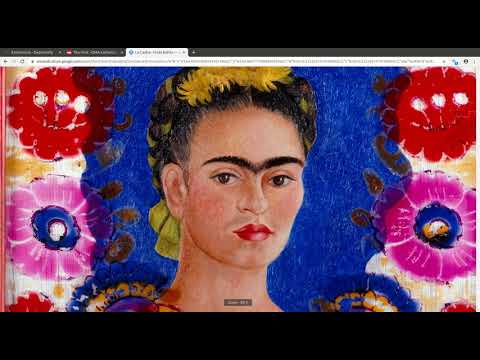
This browser extension detects zoomable images in web pages and allows you to download them. It works with the websites of many different museums, art galleries, libraries, and numerous other sources. How to use : - Install the extension - open a zoomable image in your browser - click the grey magnifying glass icon in the address bar - the icon should become blue, denoting that the extension is now actively listening for zoomable image requests - zoom into the image or reload the page - if the extension detects zoomable images, you should see a small badge appear over the icon specifying the number of images found - click the icon to open the image in the dezoomify website - click "dezoomify", and wait while the image downloads at maximal resolution - right-click on the downloaded image, and choose "Save As" to save it as a PNG file on your computer For more information about dezoomify, see: https://github.com/lovasoa/dezoomify This addon is a free software. See its source code at: https://github.com/lovasoa/dezoomify-extension/
4,9 van 536 beoordelingen
Details
- Versie1.0.1
- Geüpdatet12 augustus 2021
- Grootte3.6MiB
- TalenEnglish
- OntwikkelaarWebsite
E-mail
contact@ophir.dev - Geen handelaarDeze ontwikkelaar heeft zichzelf niet geïdentificeerd als handelaar. Voor consumenten in de Europese Unie geldt dat consumentenrechten niet van toepassing zijn op contracten tussen jou en deze ontwikkelaar.
Privacy

Deze ontwikkelaar verklaart dat je gegevens:
- Niet worden verkocht aan derden, behalve voor de goedgekeurde toepassingen
- Niet worden gebruikt of overgedragen voor doeleinden die niet zijn gerelateerd aan de kernfunctionaliteit van het item
- Niet worden gebruikt of overgedragen om de kredietwaardigheid te bepalen of voor doeleinden met betrekking tot leningen
Support
Ga naar de supportsite van de ontwikkelaar voor hulp bij vragen, suggesties of problemen