


Overview
dEssence — Your AI Memory for Everything You Save. Save anything while browsing and find it later by simply asking.
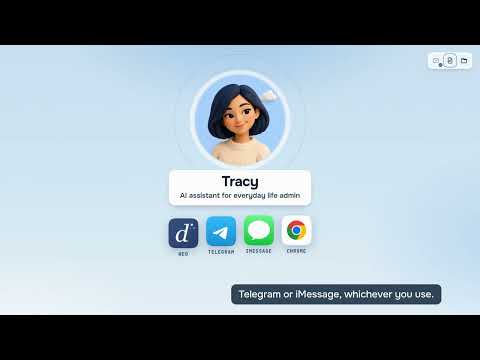
Send it to Tracy once. Stop keeping track of it yourself. Tracy is the AI assistant inside dEssence for everyday life admin: the jacket you're waiting on, the trial that's about to charge you, the school email with three dates in it. You hand it over as it is. She works out what matters, keeps an eye on it and comes back when there's a reason. The rest of the time, she stays quiet. WHAT YOU CAN SEND • A product page or a link • A screenshot: a receipt, a booking, a parents' chat • A long email, pasted in or saved as a screenshot • A quick note, like "free trial ends on the 24th" WHAT SHE DOES WITH IT Prices and stock. Ask her to watch an item and give your budget or your size. She lets you know when the price drops to your number or your size is back in stock. You still buy wherever you like. Return windows and free trials. Tell her the date and when you want the heads-up: a few days before, or the day before. You hear about it before the window closes or the card gets charged. School emails and forms. Paste the newsletter or drop in a screenshot from the class chat. She pulls out what to do and by when: the slip to sign, the fee, the project due Friday. Then she offers to remind you. Trips and bookings. Keep the confirmations, screenshots and notes for one trip together, and ask about them later in plain words. Things you sent before. Ask "what did I save for the living room?" and get the answer, not a pile of tabs. IN CHROME • Click the extension icon to open the side panel next to the page you're on • Right-click a link, an image or selected text and pick Save to Library from the extension's menu • Then tell Tracy what to do with it, or just leave it with her ALSO IN TELEGRAM AND ON THE WEB The same Tracy is in the Telegram bot @dessence_bot and at app.dessence.ai, so you can send things from your phone too. YOU STAY IN CHARGE She keeps track. You make the decisions. She doesn't buy, pay, cancel or fill in forms for you. GET STARTED 1. Add dEssence to Chrome 2. Sign in with email, Google or Telegram 3. Send her the next thing you don't want to keep checking The Free plan costs nothing and needs no card. Pro is there when you want more.
5 out of 52 ratings
Details
- Version1.0.0
- UpdatedOctober 21, 2026
- Size6.3MiB
- LanguagesEnglish
- DeveloperWebsite
Email
dessenceai@gmail.com - Non-traderThis developer has not identified itself as a trader. For consumers in the European Union, please note that consumer rights do not apply to contracts between you and this developer.
Privacy

dEssence — AI Memory for Your Web has disclosed the following information regarding the collection and usage of your data. More detailed information can be found in the developer's privacy policy.
dEssence — AI Memory for Your Web handles the following:
This developer declares that your data is
- Not being sold to third parties, outside of the approved use cases
- Not being used or transferred for purposes that are unrelated to the item's core functionality
- Not being used or transferred to determine creditworthiness or for lending purposes