

Design Mode - Page's Rich Text Editor
15 件の評価
)
概要
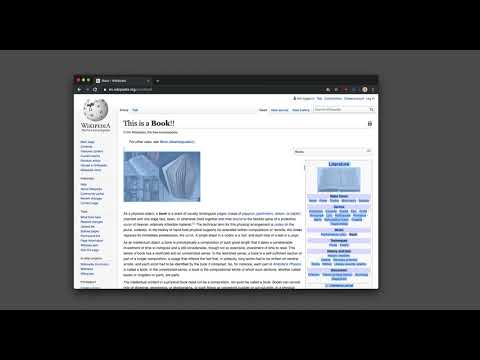
デザインモードに切り替えることで、ページのコンテンツを編集することができます。デザインモードでは、ワードエディタのようにコンテンツを修正したり、画像をドラッグしたりすることができます。
This extension modifies the current document attributes so that it acts almost like a content edible document (Similar to MS Word, or Open Office) which allows the user to edit the page text, drag and drop assets, and remove elements that cause chaos on the page. It is even possible to insert new images. With this extension, you can simply edit the entire document and when it is ready, toggle back to the read-only mode (normal mode). This modified document can be printed or saved like a normal HTML page. Notes: 1. To enable the extension press the toolbar button once. When the document is editable, the toolbar button is blue and you will get a desktop notification 2. When editing is over, to switch back to the normal mode, press the toolbar button once more. In the normal mode, the color is gray. 3. You can save the modified document in HTML or MHTML or print it. To save in MHTML you will need to install an extension. 4. To change the formatting of a text into bold, select the text then press Ctrl + B. For italics, press Ctrl + I 5. As of version 0.1.2, the extension inserts a helper toolbar so that you can simply access the rich text editing tools from a floating panel.
5 点満点で 4.715 件の評価
詳細
- バージョン0.2.4
- 更新:2025年2月19日
- 提供元brian.girko
- サイズ64.37KiB
- 言語14 言語
- デベロッパー
メール
brian.girko@gmail.com - 非取引業者このデベロッパーは取引業者として申告していません。EU 加盟国の消費者とこのデベロッパーとの間に締結された契約には、消費者の権利が適用されません。
プライバシー

このデベロッパーは、お客様のデータについて以下を宣言しています
- 承認されている以外の用途で第三者に販売しないこと
- アイテムの中心機能と関係のない目的で使用または転送しないこと
- 信用力を判断する目的または融資目的で使用または転送しないこと
サポート
質問や提案、問題がある場合は、デベロッパーのサポートサイトにアクセスしてください。