


Overview
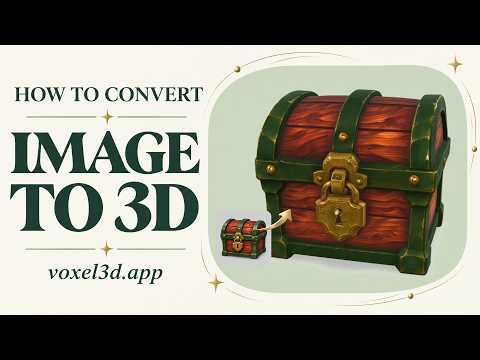
Choose a photo or illustration and open it in Voxel3D to generate a 3D model.
Open an image in Voxel3D from Chrome and turn it into a 3D model. Visit the official website: https://voxel3d.app/ Click the extension in the Chrome toolbar, then choose or drop a JPEG, PNG or WebP image up to 6 MB. The extension opens your image on Voxel3D so you can review it before generating. Model generation takes place on the website; review the current account, credit and pricing requirements there. Website: https://voxel3d.app/ Image to 3D guide: https://voxel3d.app/3d-model-from-image Support: https://voxel3d.app/en/contact Video tutorial (English): https://www.youtube.com/watch?v=v11XC8geO-A Privacy policy: https://voxel3d.app/en/privacy
0 out of 5No ratings
Details
- Version1.0.1
- UpdatedNovember 8, 2026
- Size27.49KiB
- LanguagesEnglish
- DeveloperWebsite
Email
hsduren123@gmail.com - Non-traderThis developer has not identified itself as a trader. For consumers in the European Union, please note that consumer rights do not apply to contracts between you and this developer.
Privacy

This developer declares that your data is
- Not being sold to third parties, outside of the approved use cases
- Not being used or transferred for purposes that are unrelated to the item's core functionality
- Not being used or transferred to determine creditworthiness or for lending purposes
Support
For help with questions, suggestions, or problems, visit the developer's support site