

Deepvue UI Modifier
1 rating
)
Overview
Docks the floating drawing toolbar directly into the left sidebar.
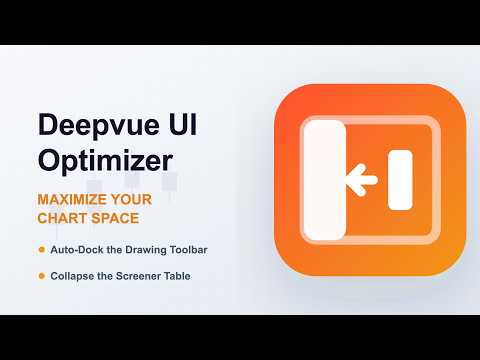
🚀 Deepvue UI Optimizer: Maximize Your Chart Space The Deepvue UI Optimizer is a lightweight, zero-configuration layout manager designed specifically for the Deepvue web application. It solves two common UI frustrations to give you back your screen real estate and streamline your workflow. ✨ Key Features Docked Drawing Toolbar: Tired of the floating drawing toolbar covering up important chart data or requiring constant repositioning? This extension seamlessly strips the floating styles and perfectly embeds the drawing tools directly into the native left navigation sidebar. Collapsible Screener Table: Need more room for technical analysis? We’ve added a sleek, non-intrusive toggle button to the chart panel. With a single click, you can smoothly collapse the right-side screener table entirely out of view, maximizing your chart space. Click again to bring it right back. 🔒 Privacy & Security First (Zero Data Collection) We believe that your trading data and personal information belong to you. This extension is built with absolute transparency and strict adherence to privacy: No User Data Collected: We do not collect, store, transmit, or monitor any of your personal information, browsing history, or financial data. UI Modification Only: The extension uses a localized content script that only reads the DOM (Document Object Model) of app.deepvue.com for the sole purpose of safely repositioning existing UI elements. It does not interact with, intercept, or modify your actual Deepvue account data, saved charts, or watchlists. No External Servers: Everything runs locally within your browser. There are no background servers, tracking scripts, or analytics engines attached to this extension. Single-Domain Focus: The extension only requests host permissions for the Deepvue application domain, ensuring it remains completely inactive on all other websites. 🚀 How to Use Just install the extension and navigate to Deepvue. The drawing toolbar will automatically dock into the left sidebar, and the table collapse button will appear on the right edge of your chart window. No settings to configure it just works.
5 out of 51 rating
Details
- Version1.0
- UpdatedJune 22, 2026
- Offered bypremang.raithatha.1
- Size44.26KiB
- LanguagesEnglish (United States)
- Developer
Email
premang.raithatha.1@gmail.com - Non-traderThis developer has not identified itself as a trader. For consumers in the European Union, please note that consumer rights do not apply to contracts between you and this developer.
Privacy

This developer declares that your data is
- Not being sold to third parties, outside of the approved use cases
- Not being used or transferred for purposes that are unrelated to the item's core functionality
- Not being used or transferred to determine creditworthiness or for lending purposes