


Overview
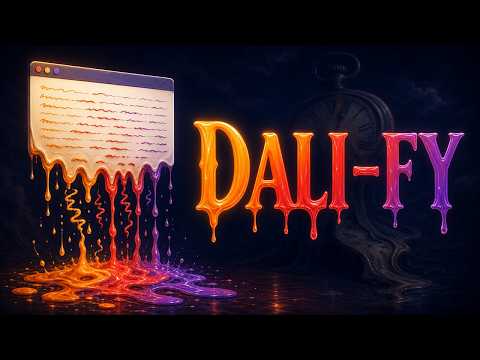
Melt any webpage in one click: letters fall with gravity and graphics sag, drip and collapse like a Dali painting. Reset instantly.
Turn any webpage into a Salvador Dali painting. Click DALI-FY and reality melts. Every letter on the page detaches and falls with real gravity, bouncing and piling up at the bottom. Images, buttons and graphics warp, sag, drip and collapse like wet paint. One more click puts everything back. WHAT'S NEW IN 2.0 - Graphical melting: not just text now. Images and page graphics drip and collapse too. - Presets: one tap for a whole look. Classic DALI-FY, Ink Bleed, Acid Drip, Heat Death, and Reality Collapse. - Quality modes: Lite, Standard or Ultra, so it runs smooth on any machine. - Fine control: dial in Melt Speed, Chaos Level and Particle Density. - Toggle falling letters and graphical melting on or off independently. HOW TO USE 1. Click the DALI-FY icon in your toolbar. 2. Pick a preset, or set the sliders to taste. 3. Hit MELT THIS PAGE and watch it fall apart. 4. Click Reset Page to put it all back. WHY YOU'LL LIKE IT - Prank a friend's screen in one click. - A weirdly satisfying little art toy for any boring page. - Free. No account. It only runs on the tab you click, and nothing is ever collected or sent anywhere. Made by Qubit Pixels, INC.
0 out of 5No ratings
Details
- Version2.0.0
- UpdatedJuly 23, 2026
- Size43.3KiB
- LanguagesEnglish
- Developer
- Non-traderThis developer has not identified itself as a trader. For consumers in the European Union, please note that consumer rights do not apply to contracts between you and this developer.
Privacy

This developer declares that your data is
- Not being sold to third parties, outside of the approved use cases
- Not being used or transferred for purposes that are unrelated to the item's core functionality
- Not being used or transferred to determine creditworthiness or for lending purposes