


Overview
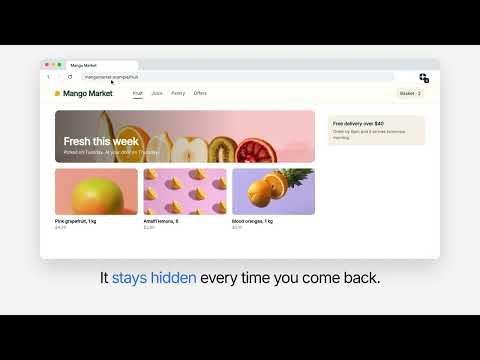
Click anything on a page to hide it for good. It stays hidden every visit, and follows you to your other computers.
Some websites have parts you never want to see: a video shelf, a sidebar, a banner that appears on every visit. Cutcutcut lets you hide them. How it works • Open the extension and click on the part of the page you want gone. • It disappears, and it stays hidden every time you come back to that site. • Changed your mind? Undo it, or remove it later from the list of hidden items. What it doesn't do • It only hides things. It doesn't change text or colors, and it doesn't block ads or trackers. • It doesn't need an account, and it doesn't send your data anywhere. What you hide is saved in your browser, and follows you to your other computers if you use Chrome sync.
0 out of 5No ratings
Details
- Version0.1.0
- UpdatedOctober 29, 2026
- Size126KiB
- LanguagesEnglish
- Developer
- Non-traderThis developer has not identified itself as a trader. For consumers in the European Union, please note that consumer rights do not apply to contracts between you and this developer.
Privacy

Cutcutcut has disclosed the following information regarding the collection and usage of your data. More detailed information can be found in the developer's privacy policy.
Cutcutcut handles the following:
This developer declares that your data is
- Not being sold to third parties, outside of the approved use cases
- Not being used or transferred for purposes that are unrelated to the item's core functionality
- Not being used or transferred to determine creditworthiness or for lending purposes
Support
For help with questions, suggestions, or problems, please open this page on your desktop browser