


Overview
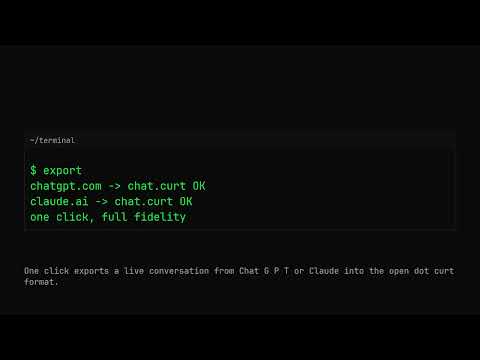
Export live AI chat conversations to the open .curt format.
Curt Conversation Exporter adds a one-click "Export .curt" action to ChatGPT (chatgpt.com) and Claude (claude.ai). Click the extension while a conversation is open and it saves the complete conversation as a .curt file - the open conversation format: - Envelope: id, title, timestamps, provider - Full transcript: every message, in order, roles intact - Generator metadata for provenance .curt files are plain JSON. They belong to you: the export is written straight to your Downloads folder. Nothing is uploaded - no analytics, no accounts, no servers. The extension requests only activeTab and downloads, and contains no remote code. What can you do with a .curt file? - Read it anywhere: drop it on dotcurt.org/viewer to see the conversation rendered exactly as the file wrote it (the whole viewer is one page, nothing leaves the tab) - Archive AI-assisted work next to your project - Convert it to other formats with the open-source curt toolset (npm: curt-convert, curt-vcon, langchain-curt) Proprietary chat UIs change constantly and their export features are limited or missing. .curt is a frozen-core, versioned format (v1) so your archives stay readable regardless. Open source: MIT. Format spec and viewer: https://dotcurt.org
0 out of 5No ratings
Details
- Version1.0.0
- UpdatedNovember 3, 2026
- Size43.03KiB
- LanguagesEnglish
- DeveloperWebsite
Email
dev.23.xyz@gmail.com - Non-traderThis developer has not identified itself as a trader. For consumers in the European Union, please note that consumer rights do not apply to contracts between you and this developer.
Privacy

This developer declares that your data is
- Not being sold to third parties, outside of the approved use cases
- Not being used or transferred for purposes that are unrelated to the item's core functionality
- Not being used or transferred to determine creditworthiness or for lending purposes
Support
For help with questions, suggestions, or problems, visit the developer's support site