

Crosslistr — Poshmark to Depop crosslister

Overview
Copy a Poshmark listing to Depop in one click: photos, description, price, category, brand, colour & size. Save hours.
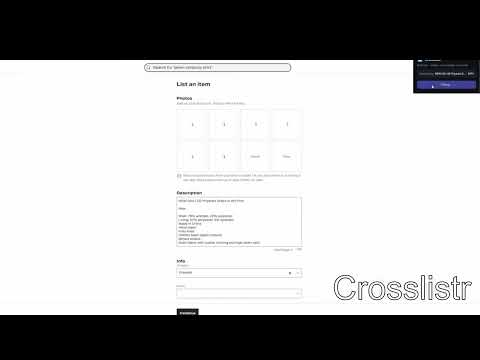
Reselling the same item on Poshmark AND Depop means re-typing everything and re-uploading every photo. Crosslistr does it for you. How it works 1. Open any Poshmark listing and click "Read listing". 2. Go to Depop's "List an item" page. 3. Click "Fill Depop form" - and watch it fill in: - all listing photos (downloaded and re-uploaded automatically) - description (Poshmark title + details) - price - category (using Depop's own suggestion) - brand - colour - size 4. Pick the Condition (one click) and hit Continue. Done. Why you'll like it - Turns a 5-10 minute chore into about 10 seconds. - 100% local - no account, no sign-up, nothing sent to any server. - Works with your own logged-in Poshmark and Depop sessions. Note: Crosslistr is an independent tool and is not affiliated with Poshmark or Depop. You review every listing before publishing it on Depop.
0 out of 5No ratings
Details
- Version1.0.2
- UpdatedJuly 11, 2026
- Offered bykelesmertali13
- Size58.62KiB
- LanguagesEnglish
- Developer
Email
kelesmertali13@gmail.com - Non-traderThis developer has not identified itself as a trader. For consumers in the European Union, please note that consumer rights do not apply to contracts between you and this developer.
Privacy

This developer declares that your data is
- Not being sold to third parties, outside of the approved use cases
- Not being used or transferred for purposes that are unrelated to the item's core functionality
- Not being used or transferred to determine creditworthiness or for lending purposes