

Chromet Dark

Overview
A clean dark graphite theme for Chrome with balanced contrast and restrained styling.
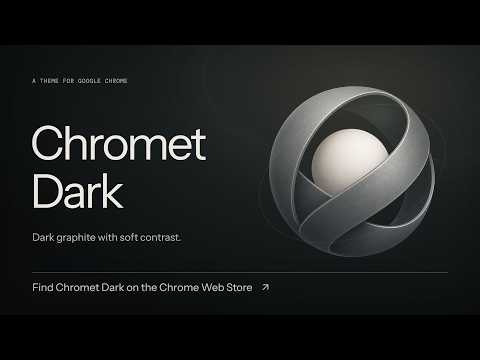
Chromet Dark gives Google Chrome a clean, restrained look in dark graphite. The palette uses soft contrast and warm off-white text. Near-black tabs sit above a charcoal toolbar and bookmarks bar, with muted icons and fine separators. The active tab and address bar share a slightly lighter shade, so your current tab is easy to find. The New Tab page has a dark background, and inactive windows use matching colors. The palette stays dark when Chrome or your operating system switches to Light or System appearance. Websites and some built-in Chrome pages keep their own colors. Chromet Dark is a theme only. It has no JavaScript or permissions and cannot access the pages you visit. It includes no analytics and collects no data. The source and original artwork are open source under the MIT License. To remove the theme, open Chrome Settings, choose Appearance, then select Reset to default. Source code https://github.com/daveotero/chromet-dark Support https://github.com/daveotero/chromet-dark/issues
0 out of 5No ratings
Details
- Version0.1.2
- UpdatedOctober 4, 2026
- Offered byDave Otero
- Size29.99KiB
- LanguagesEnglish
- Developer
Email
dave@daveotero.com - Non-traderThis developer has not identified itself as a trader. For consumers in the European Union, please note that consumer rights do not apply to contracts between you and this developer.
Support
For help with questions, suggestions, or problems, visit the developer's support site