


概述
Copy With Format For AI Assistants
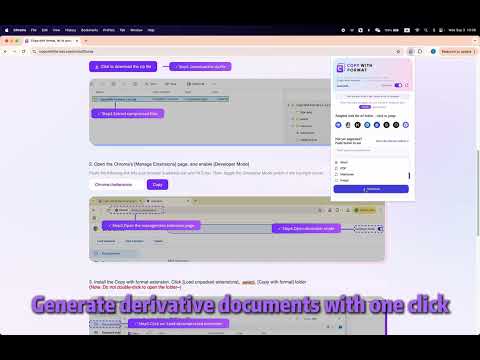
📄 Copy with Format – Clean Copy & Paste AI Answers + Word Export Tired of messy AI-generated formatting? Copy with Format makes it effortless to copy answers from ChatGPT, Claude, and more—without extra markdown symbols like **bold**, ## headings, or code blocks. ✅ Copy cleaner text ✅ Remove markdown & unwanted formatting ✅ Download responses as Word documents (.docx) ✅ Works with ChatGPT, Claude, kimi, deepseek, and others ✅ Perfect for students, researchers, writers, and professionals 🛠️ Features: 🔹 Clean Copy: Automatically removes markdown (like **, ##, and backticks) when you copy AI-generated responses. 🔹 Paste Anywhere: Paste clean answers directly into Word, Google Docs, Notion, or emails without formatting issues. 🔹 Export to Word: Save AI-generated content as a .docx file with just one click. 🔹 Works with Major AI Platforms: Fully compatible with ChatGPT, Claude, Gemini (Bard), Bing Copilot, and more. 💡 Use Cases: 📚 Students pasting AI-generated essays or notes into reports. ✍️ Writers drafting blog posts, emails, or social media content. 👩💼 Professionals preparing documents, summaries, or reports using AI tools. 📑 Researchers compiling AI-assisted findings into clean files. copy chatgpt clean, remove markdown ai, chatgpt to word, clean paste AI, format ai text, export chatgpt docx, chatgpt markdown remover, copy ai answers cleanly, copy without markdown, copy paste ai output
5 星(5 星制)7 个评分
详情
隐私权

该开发者已声明,您的数据:
- 不会因未获批准的用途出售给第三方
- 不会为实现与产品核心功能无关的目的而使用或转移
- 不会为确定信用度或放贷目的而使用或转移
支持
若有任何疑问、建议或问题,请在桌面浏览器中打开此页面