

Copy to Figma
ExtensionTools34 users

Overview
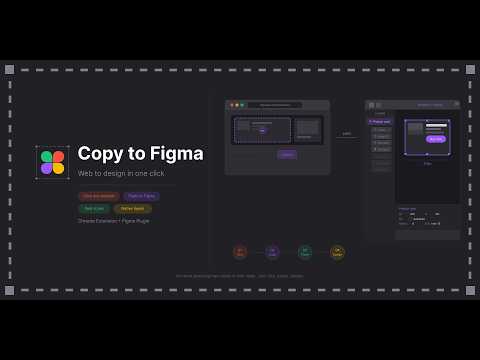
Click any element on a webpage and paste it directly into Figma as a native component.
Chrome Extension + Figma Plugin that lets you click any element on any live website — and paste it directly into Figma as native layers. Real fonts. Real colors. Real spacing. Real shadows. No guessing. No dev tools. No back and forth. Just → Click. Paste. Design.
0 out of 5No ratings
Details
- Version1.0.0
- UpdatedMay 7, 2026
- Offered byhellonaveenkumarg
- Size20.31KiB
- LanguagesEnglish
- DeveloperNAVEEN KUMAR G
134, Sengunthar Nagar 3rd Street Periyasemur Erode, Tamil Nadu 638004 INEmail
team@0to10x.comPhone
+91 93611 90913 - TraderThis developer has identified itself as a trader per the definition from the European Union and committed to only offer products or services that comply with EU laws.
Privacy

Manage extensions and learn how they're being used in your organization
Copy to Figma has disclosed the following information regarding the collection and usage of your data. More detailed information can be found in the developer's privacy policy.
Copy to Figma handles the following:
Personal communications
User activity
Website content
This developer declares that your data is
- Not being sold to third parties, outside of the approved use cases
- Not being used or transferred for purposes that are unrelated to the item's core functionality
- Not being used or transferred to determine creditworthiness or for lending purposes