


Overview
Passively snipes emails, phone numbers and social profiles from every page you visit, dedupes them, and exports a clean CSV.
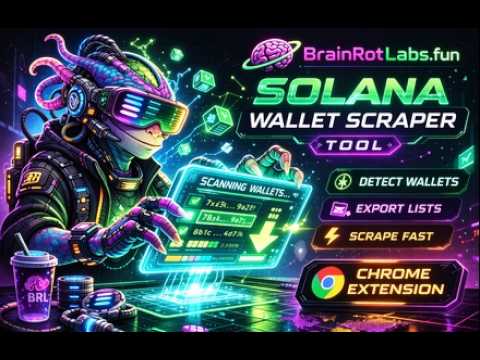
The Contact Sniper Bot Tool is a powerful Chrome extension designed to detect and collect directly from webpages with speed and precision. Built for researchers & Market Analysts, this tool makes it easy to scan pages, capture Information, and export organized lists in seconds. ⚡ Features: ✔ Automatic Information detection ✔ One-click extraction ✔ Export lists instantly ✔ Multi-page scraping support ✔ Fast and lightweight extension ✔ Simple Chrome interface ✔ Built for research 🔍 What It Detects This extension automatically identifies: • Market Email/ Phone/ Social Handles • Public Website • Business Information • Address tables and datasets Compatible with many data pages and analytics tools. 📥 Export Options Export detected wallet addresses into: • CSV format Perfect for spreadsheets and analysis tools. 🔒 Privacy ✔ Does NOT collect personal data ✔ Does NOT store browsing history ✔ Works locally in your browser Your data stays on your device.
5 out of 51 rating
Details
- Version3.1.0
- UpdatedAugust 22, 2026
- Size53.81KiB
- LanguagesEnglish
- Developerbrainrotlabs.fun LLCWebsite
158 Dowsett Avenue Honolulu, HI 96817 USEmail
brainrotlabs.fun@gmail.comPhone
+1 312-498-4033 - TraderThis developer has identified itself as a trader per the definition from the European Union and committed to only offer products or services that comply with EU laws.
- D-U-N-S141724132
Privacy

Contact Sniper Bot has disclosed the following information regarding the collection and usage of your data. More detailed information can be found in the developer's privacy policy.
Contact Sniper Bot handles the following:
This developer declares that your data is
- Not being sold to third parties, outside of the approved use cases
- Not being used or transferred for purposes that are unrelated to the item's core functionality
- Not being used or transferred to determine creditworthiness or for lending purposes
Support
For help with questions, suggestions, or problems, visit the developer's support site