

CommandBar+
5.0(
6 ratings
)ExtensionTools10 users

Overview
A keyboard-triggered command interface for browser control and AI-powered actions
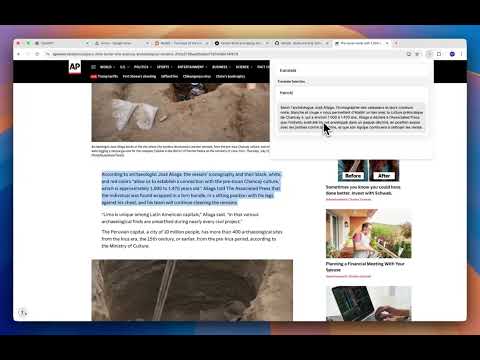
CommandBar+ brings a blazing-fast spotlight search with 80+ commands to Chrome. Navigate the browser, websites, and your tasks- all through your keyboard. Type in the search input and navigate with arrow keys / tab to each command. Press enter to run the command. Type 'all' to see all commands. Configure your Groq API key by going to the options page: right click extension -> options. You can leave feedback there as well.
5 out of 56 ratings
Details
- Version1.0.2
- UpdatedJune 8, 2026
- Offered bysp.projects.dev
- Size66.57KiB
- LanguagesEnglish
- Developer
Email
sp.projects.dev@gmail.com - Non-traderThis developer has not identified itself as a trader. For consumers in the European Union, please note that consumer rights do not apply to contracts between you and this developer.
Privacy

Manage extensions and learn how they're being used in your organization
CommandBar+ has disclosed the following information regarding the collection and usage of your data. More detailed information can be found in the developer's privacy policy.
CommandBar+ handles the following:
Web history
Website content
This developer declares that your data is
- Not being sold to third parties, outside of the approved use cases
- Not being used or transferred for purposes that are unrelated to the item's core functionality
- Not being used or transferred to determine creditworthiness or for lending purposes