

Clockzi — World Clock in Your Side Panel

Overview
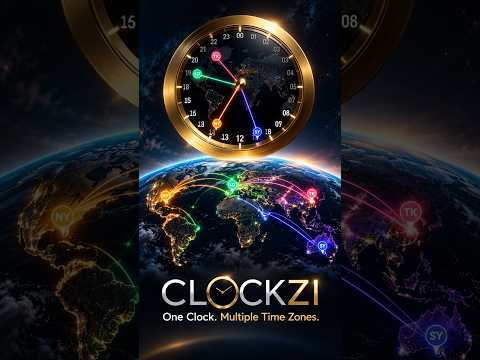
An interactive world clock in Chrome's side panel. Drag the hands to see the time in every city, and keep your people on the clock.
CLOCKZI makes working across time zones simple. Visualize time zones, compare local times, and find the best time for meetings across the globe, all from your Chrome side panel. 🌍 **See time zones at a glance** Keep track of different locations and understand how local times compare. 🕒 **Find meeting overlaps** Quickly identify convenient times for people in different time zones. 💻 **Work directly from your browser** Open CLOCKZI in Chrome's side panel without interrupting your workflow. 🌐 **Built for a connected world** Whether you're coordinating with colleagues, clients, friends, or family across countries, CLOCKZI helps you stay in sync. Less time calculating. More time connecting. **CLOCKZI - Your world, in sync.**
0 out of 5No ratings
Details
- Version1.2.5
- UpdatedNovember 8, 2026
- Offered bylior.more
- Size29.91KiB
- LanguagesEnglish (United States)
- Developer
Email
lior.more@gmail.com - Non-traderThis developer has not identified itself as a trader. For consumers in the European Union, please note that consumer rights do not apply to contracts between you and this developer.
Privacy

Clockzi — World Clock in Your Side Panel has disclosed the following information regarding the collection and usage of your data. More detailed information can be found in the developer's privacy policy.
Clockzi — World Clock in Your Side Panel handles the following:
This developer declares that your data is
- Not being sold to third parties, outside of the approved use cases
- Not being used or transferred for purposes that are unrelated to the item's core functionality
- Not being used or transferred to determine creditworthiness or for lending purposes
Support
For help with questions, suggestions, or problems, visit the developer's support site