


개요
Clipy makes it easy to keep everything you want to copy and paste all in one extension.
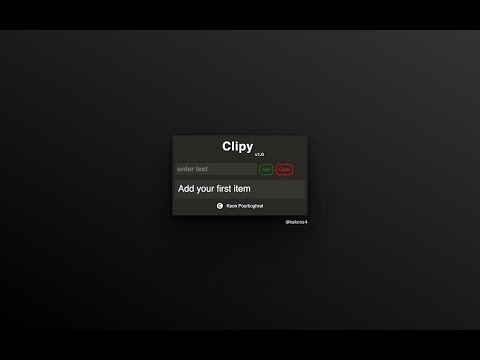
Clipy – Your Smarter Clipboard Manager Tired of copying and pasting the same text over and over? Clipy makes your daily workflow easier by letting you save and instantly reuse text snippets—and now images too! With just a click, you can copy stored content to your clipboard, saving time and boosting productivity. Whether you're a developer, writer, customer support rep, or anyone who works with repetitive text, Clipy is here to help. #️⃣Follow for Updates X: @kekons4 🆕 What’s New in v1.6.6: Image Support: You can now store, copy, and paste images—just like text! Side Panel Feature: A handy new clipboard panel that stays open across all Chrome tabs. Seamless Integration: The Side Panel keeps Clipy accessible no matter where you are in your browser. Keyboard Shortcuts: Press Alt + C to quickly add text to Clipy without touching your mouse. 🎥 Watch Clipy in Action: Clipy Demo Video
5점 만점에 5점평점 2개
세부정보
- 버전1.6.6
- 업데이트됨2026년 1월 27일
- 제공Keon Pourboghrat
- 크기17.0KiB
- 언어English (United States)
- 개발자
이메일
kekons4@gmail.com - 비판매자판매자로 식별되지 않은 개발자입니다. 유럽 연합에 거주하는 소비자의 경우, 이 개발자와 체결한 계약에 대해서는 소비자 권리가 적용되지 않을 수 있음을 유의해야 합니다.
개인정보 보호

개발자가 사용자 데이터에 관해 다음과 같이 선언했습니다
- 승인된 사용 사례를 제외하고 서드 파티에 판매하지 않음
- 항목의 핵심 기능과 관련 없는 목적으로 사용하거나 전송하지 않음
- 신용도 판단 또는 대출 목적으로 사용하거나 전송하지 않음
지원
질문, 제안 또는 문제와 관련하여 도움이 필요하시면 개발자의 지원 사이트를 방문하세요.