

ClickDeck
4 ratings
)
Overview
Visually fine-tune the current HTML page and export it.
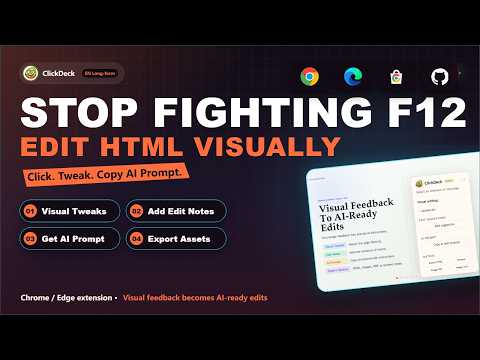
Visually fine-tune the current HTML page and export it. ClickDeck is a lightweight Chrome/Edge extension for editing browser-rendered HTML pages without opening DevTools. It works well for AI-generated pages, HTML presentations, reports, proposals, and other pages you want to polish directly in the browser. Core features: - Edit text in place and adjust font size, weight, spacing, alignment, and color - Replace images and make quick visual polish changes without touching source code - Add visual edit suggestions directly on the page, including move/remove notes and region-based intent marking - Use undo/redo with a draggable, collapsible control panel - Export the edited page as an HTML snapshot, long image, or image-based PDF - Generate structured edit and review prompts from your visual changes for coding AI or browser AI handoff ClickDeck is built for visual fine-tuning and review handoff on the current page. It is not a free-form design canvas and does not write changes back to your source files automatically. Optional team collaboration (Beta): creators sign in with Google; invited collaborators can join without Google sign-in. Share selected modification proposals and review before/after values without automatically changing teammates’ HTML. Projects expire 48 hours after creation, with up to 6 members including the creator and 100 final suggestions per project. Local editing and export do not require login. Collaboration uses Supabase and requires a working network connection. Only explicitly submitted proposals are shared; they may include page text excerpts. The complete HTML and screenshots are not automatically uploaded. See the privacy policy for details.
4.8 out of 54 ratings
Details
- Version1.3.7
- UpdatedOctober 24, 2026
- Offered byningseeingtheworld
- Size182KiB
- Languages2 languages
- Developer
Email
ningseeingtheworld@gmail.com - Non-traderThis developer has not identified itself as a trader. For consumers in the European Union, please note that consumer rights do not apply to contracts between you and this developer.
Privacy

ClickDeck has disclosed the following information regarding the collection and usage of your data. More detailed information can be found in the developer's privacy policy.
ClickDeck handles the following:
This developer declares that your data is
- Not being sold to third parties, outside of the approved use cases
- Not being used or transferred for purposes that are unrelated to the item's core functionality
- Not being used or transferred to determine creditworthiness or for lending purposes
Support
For help with questions, suggestions, or problems, visit the developer's support site