


概述
Stay on top of your work from any web page
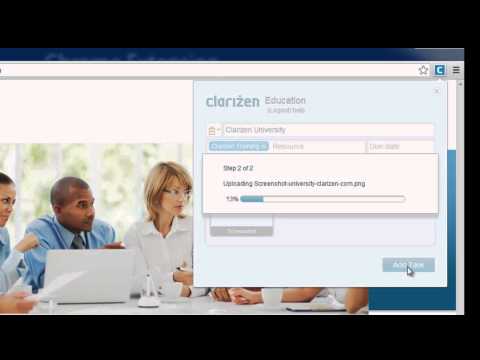
Clarizen Overview Clarizen's online project management solution helps you work more efficiently, effectively, and achieve better results. Clarizen gives you the ability to create and manage projects, cases, to do lists, and much much more, all while socializing with your colleagues with discussion boards, emails, and chat. Clarizen for Google Chrome™ The Clarizen Extension for Google Chrome enables you to seamlessly create new discussions, tasks and cases to your Clarizen account from any web page in a flash, with the added value of instantly adding screenshots and any document. Once installed, the Clarizen 'C' icon is permanently displayed adjacent to the URL field enabling constant easy access to Clarizen from Chrome. Creating New Discussion Posts Conveniently add new discussion posts to your groups from anywhere on the web. You can choose the relevant group, mention/notify your colleagues, and grab screenshots from any page on the web. This makes it extremely easy to add relevant discussion posts from wherever you are, without needing to access Clarizen. Creating New Tasks, To Do List Items, and Cases Need to add a new to do list item or a project task? Just came up with a great project request? The Clarizen Extension allows you to instantly add new cases, project tasks, and to do list items with just one click. You can also assign the relevant resources, set a due date, and enter a description. The best part is that you can get an instant screenshot from the current webpage, with the ability to take additional screenshots and add other documentation all from one convenient location. All tasks or case-assigned users (including subscribers) are automatically updated on the changes via Clarizen's notification system.
4.2 星(5 星制)5 个评分
详情
隐私权
支持
若有任何疑问、建议或问题,请在桌面浏览器中打开此页面