

Anchor
4 ratings
)
Overview
Prevent ChatGPT, Claude, and Gemini from jumping to new responses while you read
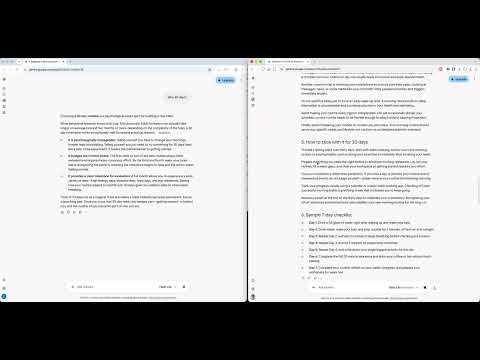
Never lose your place in AI chats again. Anchor prevents ChatGPT, Claude, or Gemini from auto-scrolling to the bottom while you are reading earlier messages. HOW IT WORKS When ChatGPT, Claude, or Gemini generates a reply, the page jumps to the newest message. If you’ve scrolled up to re-read an earlier answer, you’re pulled away from what you were reading. Anchor keeps your scroll position while you read older messages — even while new responses stream in. When you return to the bottom, the chat works normally again. WHAT YOU GET ⚓️ Stay anchored while reading older messages Prevent the page from jumping away when new replies appear. 🔄 Normal scrolling when you want it Follow new replies automatically when you’re back at the bottom. ⚓️ Anchor indicator (optional) A small ⚓️ appears when Anchor is holding your place. ⚙️ Simple controls Use the ⚓️ or toolbar icon to: • Turn Anchor on/off • Hide the indicator 🌐 Works on: • ChatGPT (chatgpt.com / chat.openai.com) • Claude (claude.ai) • Gemini (gemini.google.com) 🔒 Anchor runs locally in your browser. • Does not collect, store, or transmit your conversations • Does not send your data to external servers • Only stores your Anchor preferences
4 out of 54 ratings
Details
- Version1.2.8
- UpdatedOctober 3, 2026
- Offered byyb
- Size40.05KiB
- LanguagesEnglish
- Developer
Email
hello@vanlune.co - Non-traderThis developer has not identified itself as a trader. For consumers in the European Union, please note that consumer rights do not apply to contracts between you and this developer.
Privacy

This developer declares that your data is
- Not being sold to third parties, outside of the approved use cases
- Not being used or transferred for purposes that are unrelated to the item's core functionality
- Not being used or transferred to determine creditworthiness or for lending purposes