

MyFileKit Blur & Snap

Overview
Pixel-perfect screenshot with area blurring using native capture.
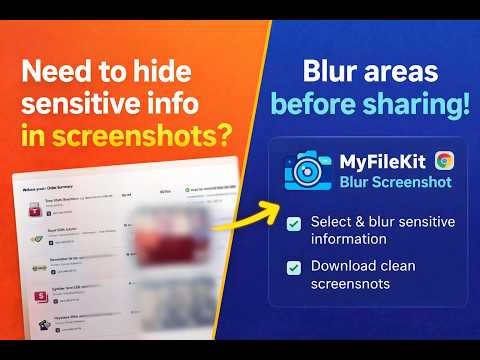
MyFileKit Blur Screenshot Blur sensitive information before sharing screenshots. MyFileKit Blur Screenshot lets you select one or multiple areas of any webpage, apply a blur effect, and download a pixel-perfect screenshot. The extension uses native browser capture to ensure the final image looks exactly like the original page — only the selected areas are blurred. How It Works: 1. Click the extension. 2. Select one or multiple areas to blur. 3. Download the final screenshot as PNG or JPG. Key Features: • Select and blur multiple areas • Pixel-perfect capture using native browser rendering • Download as PNG or JPG • Works on most websites • Clean, fast, and lightweight Privacy & Security: • 100% local processing • No uploads • No external servers • No tracking • No analytics • No data collection The extension only activates when you click it and works on the currently active tab. It does not monitor browsing activity or collect any user information. Perfect for: • Hiding personal data • Blurring sensitive details • Sharing screenshots safely • Client presentations • Social media posts Simple. Fast. Private.
0 out of 5No ratings
Details
- Version1.1.0
- UpdatedMarch 11, 2026
- Offered byHardeepsingh6660
- Size45.15KiB
- LanguagesEnglish (United States)
- DeveloperCoding's Art
Opp Galib complex Ajit nagar Jagraon, Punjab 142026 INEmail
hardeepsingh6660@gmail.com - Non-traderThis developer has not identified itself as a trader. For consumers in the European Union, please note that consumer rights do not apply to contracts between you and this developer.
Privacy

This developer declares that your data is
- Not being sold to third parties, outside of the approved use cases
- Not being used or transferred for purposes that are unrelated to the item's core functionality
- Not being used or transferred to determine creditworthiness or for lending purposes
Support
For help with questions, suggestions, or problems, please open this page on your desktop browser