

ChatExporter Pro

Overview
Export AI chats as HTML from ChatGPT, Gemini, DeepSeek. Includes UI tools and keyboard shortcuts.
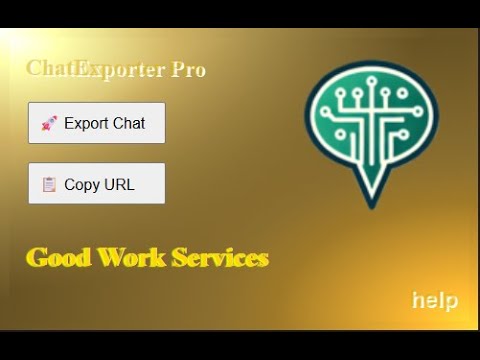
Chat Exporter Pro is a lightweight productivity extension designed for modern AI chatbot platforms UI (such as ChatGPT, Gemini, DeepSeek, Meta AI, etc.). This extension enhances your experience by allowing you to quickly export the current conversation into a clean, standalone .html file using curated styles—perfect for research, note-taking, or archiving your interactions. You can trigger this export via the keyboard shortcut Ctrl + Alt + Shift + 1 or by clicking “Export Chat” in the extension popup. Beyond exporting, the extension offers several usability enhancements: Alt + 1: Toggle the left-side menu/sidebar for a distraction-free view. Alt + 2: Auto-focus the input textarea to continue chatting efficiently. Alt + 3: Open the chat platform’s native search (or a custom search). Ctrl + Alt + Shift + 2: Instantly copy the page title and URL to your clipboard, also available via the “Copy URL” button. For guidance, a built-in help dialog can be accessed via Ctrl + Alt + Shift + ? or the "Help" link in the popup.
0 out of 5No ratings
Details
- Version1.0
- UpdatedJuly 15, 2025
- Offered bygoodworkswebdesign
- Size60.93KiB
- LanguagesEnglish
- Developer
Email
goodworkswebdesign@gmail.com - Non-traderThis developer has not identified itself as a trader. For consumers in the European Union, please note that consumer rights do not apply to contracts between you and this developer.
Privacy

This developer declares that your data is
- Not being sold to third parties, outside of the approved use cases
- Not being used or transferred for purposes that are unrelated to the item's core functionality
- Not being used or transferred to determine creditworthiness or for lending purposes
Support
For help with questions, suggestions, or problems, visit the developer's support site