


Overview
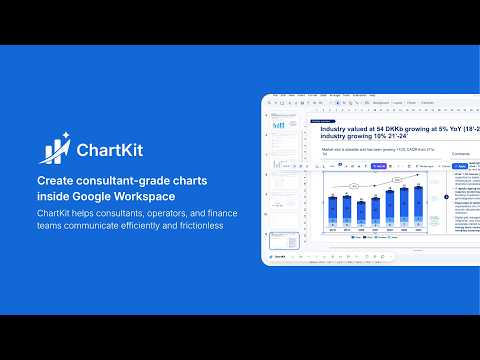
Create and edit professional stacked bar, waterfall, line, and scatter charts directly inside Google Slides, Docs, and Sheets.
ChartKit builds consulting-grade charts directly inside Google Slides. No PowerPoint detour, no screenshots, no pasted images. The chart lands on your slide as a native, fully editable object you can reopen and change any time. WHY IT'S DIFFERENT •Native on the slide. The chart is a real Slides object, not a flat image - it stays sharp when you resize it, present it or export a PDF. • Chart Memory. Every chart keeps its data. Reopen it weeks later, change one number, and it updates in place. No rebuilding from scratch, no hunting for the source file. • Your brand, set once. Define your palette and defaults, and every new chart comes out on brand automatically. • Annotations that make the point. Deltas, CAGR, reference lines and brackets in one click. • Bar breaks. Split a bar for an outlier without flattening everything else on the chart. • Live sync with Google Sheets. Connect a chart to a range and it re-renders when the numbers move. • Keyboard shortcuts. Insert, edit, align and distribute without the mouse - in ChartKit and in Slides itself. Press "?" in the ChartKit menu for the full list. Learn more: https://www.getchartkit.app/
5 out of 59 ratings
Details
- Version1.7.6
- UpdatedOctober 16, 2026
- FeaturesOffers in-app purchases
- Size4.58MiB
- LanguagesEnglish
- DeveloperWebsite
Email
contact@getchartkit.app - Non-traderThis developer has not identified itself as a trader. For consumers in the European Union, please note that consumer rights do not apply to contracts between you and this developer.
Privacy

ChartKit has disclosed the following information regarding the collection and usage of your data. More detailed information can be found in the developer's privacy policy.
ChartKit handles the following:
This developer declares that your data is
- Not being sold to third parties, outside of the approved use cases
- Not being used or transferred for purposes that are unrelated to the item's core functionality
- Not being used or transferred to determine creditworthiness or for lending purposes
Support
For help with questions, suggestions, or problems, visit the developer's support site