


Overview
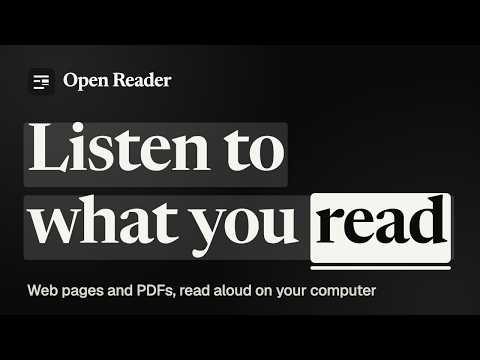
Offline, reliable read-aloud for web pages and PDFs.
Open Reader reads web pages and PDFs aloud in a natural voice, and highlights every word as it is spoken so you can follow along. The voices run on your own computer. Nothing you read is sent anywhere, there is no account and no subscription, and it keeps working without an internet connection. WHAT IT DOES Reads the main text of an article and skips menus, ads and footers • Highlights the current sentence and word, on the page and in the side panel, and scrolls with the voice • Reads PDFs, including two-column papers, and leaves out running headers, page numbers and reference lists; scanned pages are recognized on your computer • Natural voices (Kokoro) and a lighter voice for slower computers (Piper) • Speed from 0.5× to 4×, without the voice going squeaky • Click any sentence to jump to it; pick up where you left off later • Sleep timer, custom pronunciations, and audiobook export to MP3 with chapters • Keyboard shortcuts that work in any tab (Alt+Shift+P to play or pause) HOW TO USE IT Open an article, click the Open Reader icon, and press "Read this page". For a PDF, press the PDF button in the side panel and choose a file. The first time, Open Reader downloads its voice once (about 330 MB, or about 90 MB on computers without a capable graphics chip). Until then it reads with your computer's built-in voices. PRIVATE BY DESIGN No Analytics, no tracking, no account. The only network use is the one-time voice download, and PDFs you open from a link. Free and open source under the MIT or Apache-2.0 license.
0 out of 5No ratings
Details
- Version1.0.0
- UpdatedNovember 6, 2026
- Size24.24MiB
- LanguagesEnglish
- DeveloperWebsite
Email
developeruche@gmail.com - Non-traderThis developer has not identified itself as a trader. For consumers in the European Union, please note that consumer rights do not apply to contracts between you and this developer.
Privacy

This developer declares that your data is
- Not being sold to third parties, outside of the approved use cases
- Not being used or transferred for purposes that are unrelated to the item's core functionality
- Not being used or transferred to determine creditworthiness or for lending purposes
Support
For help with questions, suggestions, or problems, visit the developer's support site