

CAST Highlight SCA Chrome Extension
평점 2개
)
개요
Check health of Open Source components directly from forge websites (github, gitlab, npmjs...)
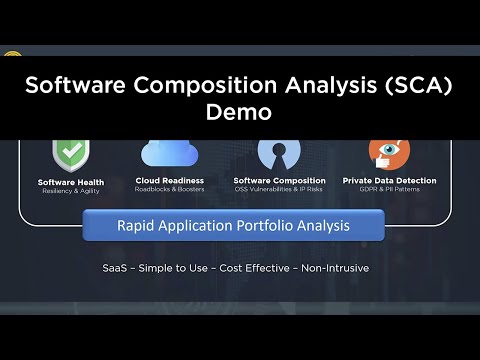
Visualize versions, security vulnerabilities (CVEs), license risk and compliance of Open Source repositories directly from forge websites (github, gitlab, npmjs...), maven, packagist, nuget, etc. Steps to use this extension: 1. Once installed, visit one of the supported repository urls (e.g., https://www.npmjs.com/package/swagger-ui) and click on the extension icon. 2. Login by using your CAST Highlight credentials or with a user token (SSO/SAML authentication is not supported) 3. See information on the repository such as vulnerabilities (CVEs), licenses, released versions, etc. Installation and usage instructions: https://doc.casthighlight.com/install-use-cast-highlight-sca-browser-extension/ CAST Highlight is a software intelligence product for rapid application portfolio analysis. It automatically analyzes source code of hundreds of applications in a week for Cloud Readiness, Open Source risks, Resiliency, and Agility. It combines objective software insights with qualitative surveys for business context.
5점 만점에 5점평점 2개
세부정보
- 버전0.0.20
- 업데이트됨2023년 12월 13일
- 제공CASTHighlight
- 크기70.12KiB
- 언어English (United States)
- 개발자CAST
3 Rue Marcel Allégot Meudon 92190 FR이메일
muller974@gmail.com전화
+33 6 82 17 51 43 - 판매자개발자가 유럽연합에서 정의한 바에 따라 본인을 판매자로 밝혔으며 EU 법규를 준수하는 제품 또는 서비스만 제공하기로 약정했습니다.
- D-U-N-S767700156
개인정보 보호

CAST Highlight SCA Chrome Extension에서 데이터 수집 및 사용과 관련하여 다음 정보를 공개했습니다. 더 자세한 정보는 개발자의 privacy policy을 참고하세요.
CAST Highlight SCA Chrome Extension 항목은 다음을 처리합니다.
개발자가 사용자 데이터에 관해 다음과 같이 선언했습니다
- 승인된 사용 사례를 제외하고 서드 파티에 판매하지 않음
- 항목의 핵심 기능과 관련 없는 목적으로 사용하거나 전송하지 않음
- 신용도 판단 또는 대출 목적으로 사용하거나 전송하지 않음
지원
질문, 제안 또는 문제와 관련하여 도움이 필요하시면 개발자의 지원 사이트를 방문하세요.