

Butt Vision
5.0(
1 rating
)ExtensionEducation203 users

Overview
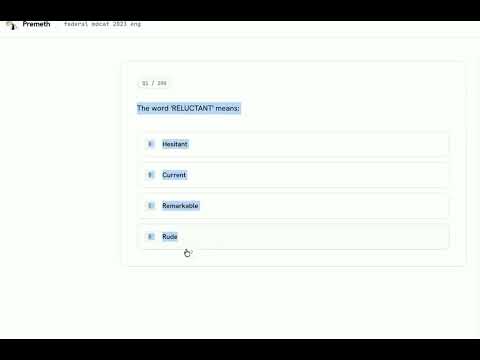
AI Powered MCQ Solver. Intended for Research Purposes
Assists users in practicing MCQs. Only intended for research purposes. How to use: Press Ctrl+Shift+Q on Windows or Option+Shift+Q on Mac. The answer appears in the bottom-right corner. Auto disappears in ~3 seconds. Free tier: Groq models. Pro: Frontier models via Openrouter Configure it once in the extension settings.
5 out of 51 rating
Details
- Version1.6.0
- UpdatedOctober 23, 2026
- Offered byDeez Nust
- Size44.7KiB
- LanguagesEnglish
- DeveloperDeez Nust
Scholars Ave NUST Islamabad 44000 PKEmail
nutslmsinfo@gmail.com - Non-traderThis developer has not identified itself as a trader. For consumers in the European Union, please note that consumer rights do not apply to contracts between you and this developer.
Privacy

Manage extensions and learn how they're being used in your organization
Butt Vision has disclosed the following information regarding the collection and usage of your data. More detailed information can be found in the developer's privacy policy.
Butt Vision handles the following:
Website content
This developer declares that your data is
- Not being sold to third parties, outside of the approved use cases
- Not being used or transferred for purposes that are unrelated to the item's core functionality
- Not being used or transferred to determine creditworthiness or for lending purposes
Support
For help with questions, suggestions, or problems, please open this page on your desktop browser