

Burst Download Manager
1 rating
)
Overview
Sends magnet links and torrent files to Burst for fast downloading.
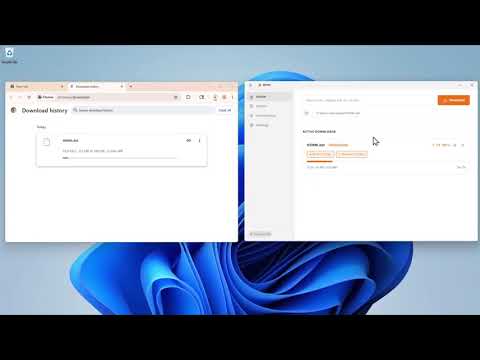
Burst is a download manager that bonds multiple network interfaces Wi-Fi, Ethernet, and USB-tethered mobile into a single parallel download stream, so you get the combined bandwidth of all your connections at once. It splits every file into chunks and routes each chunk through a different interface simultaneously. A real-time scheduler monitors connection speeds, drops underperforming interfaces, and rebalances weights on the fly no manual configuration needed. Burst handles both HTTP downloads and magnet/torrent links through the same pipeline. This extension intercepts downloads from your browser and hands them off to the Burst desktop app via native messaging. The desktop app runs as a tray-resident FastAPI server with a React UI, giving you a clean dashboard to monitor speeds, active interfaces, and download progress. Requirements: The Burst desktop app must be installed and running for this extension to work.
5 out of 51 rating
Details
- Version2.1.3
- UpdatedOctober 10, 2026
- Offered bySurge Studios
- Size36.16KiB
- LanguagesEnglish
- Developer
Email
alisharjeelofficial@gmail.com - Non-traderThis developer has not identified itself as a trader. For consumers in the European Union, please note that consumer rights do not apply to contracts between you and this developer.
Privacy

This developer declares that your data is
- Not being sold to third parties, outside of the approved use cases
- Not being used or transferred for purposes that are unrelated to the item's core functionality
- Not being used or transferred to determine creditworthiness or for lending purposes
Support
For help with questions, suggestions, or problems, visit the developer's support site