

BRYGE AI - Neuroinclusive Communication Assistant for Every Conversation

Overview
BRYGE AI helps people communicate across neurotypes, making communication a shared effort. Works in Gmail, Slack, Teams and more.
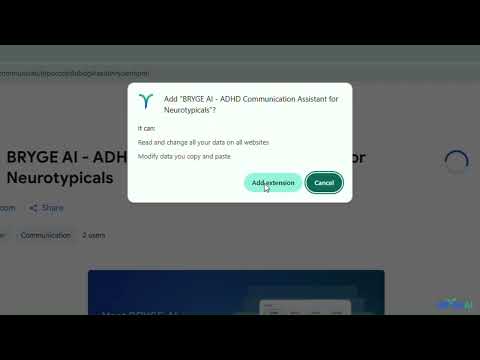
One click. Your message lands the way you meant it. What BRYGE AI does You write your message as you normally would. When you're ready, click the BRYGE AI button that appears in your compose window. In seconds, your message is rewritten to: - Remove pressure words and vague urgency - Eliminate ambiguity that causes anxiety or overwhelm - Reduce cognitive load without stripping meaning - Keep one clear ask — never an overwhelming list - Match the relationship: manager, teammate, family, or friend Where it works BRYGE AI works directly inside the tools you already use — no copy-pasting, no switching tabs. Why it matters Every brain processes messages differently. Implied asks, vague deadlines and subtext can overwhelm working memory, create anxiety, and shut down collaboration before it starts. BRYGE AI bridges that gap and makes communication a shared effort. It doesn't change what you mean. It changes how it lands. Who it's for - Managers and team leads who want their messages to land clearly - Teammates who want to collaborate without causing anxiety - Neurodivergent people who are tired of being misread - Anyone who has ever sent a message and worried it came across wrong How to get started 1. Install the extension 2. Sign in with your BRYGE AI account (free) 3. Go to Gmail, Slack, or any supported platform 4. Start typing — BRYGE AI appears automatically when you're ready
5 out of 52 ratings
Details
- Version1.0.3
- UpdatedNovember 6, 2026
- Size54.34KiB
- LanguagesEnglish (United States)
- DeveloperWebsite
Email
support@brygeai.com - Non-traderThis developer has not identified itself as a trader. For consumers in the European Union, please note that consumer rights do not apply to contracts between you and this developer.
Privacy

BRYGE AI - Neuroinclusive Communication Assistant for Every Conversation has disclosed the following information regarding the collection and usage of your data. More detailed information can be found in the developer's privacy policy.
BRYGE AI - Neuroinclusive Communication Assistant for Every Conversation handles the following:
This developer declares that your data is
- Not being sold to third parties, outside of the approved use cases
- Not being used or transferred for purposes that are unrelated to the item's core functionality
- Not being used or transferred to determine creditworthiness or for lending purposes
Support
For help with questions, suggestions, or problems, please open this page on your desktop browser