


概述
Capture, organize, and automate your Threads social media experience with Bolta.
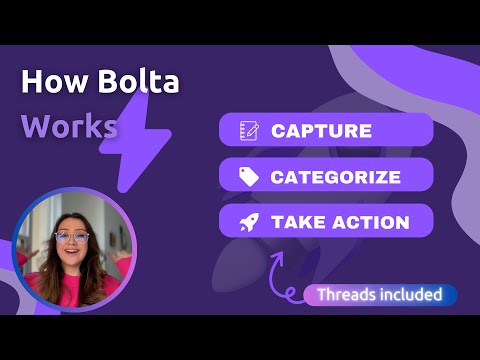
Bolta for Threads Scheduling and Management Capture, organize, and automate your Threads.net experience. Hey there! If you're sick of posting into the void, Bolta is here to help. Think of it as your trusty sidekick for Threads, making everything easier and faster for you to grow. We focus on a simple and great design to improve your threads.net browsing experience. Why Choose Bolta? We help you grow your community by keeping your content consistent. Why thread harder if you can thread smarter? With features like drafts and scheduling, we make sure you never miss a beat. We want to be the tool that uplifts you and helps your potential grow like never before by keeping authenticity without losing consistency. Don’t second-guess! Just bolt it! Getting Started (Simple as 1, 2, 3) * Add our extension. * Pin it to your toolbar. * Set it up and start threading smarter, not harder! What's New * Keyboard shortcuts * Category Tags * Context Menu Options * Media Support * Insights * Publish directly to Threads * Schedule Threads * Multi-Account Management Keyboard Commands: * Command+B = Open Boltathread * Command+M = Toggle Boltathread (while on Threads or Instagram) * Control+P = New Threads Post * Command+Shift+P = New Bolt Post (when in full screen, it will go to full screen) Join the Bolta family today and transform your Threads experience!
4.5 星(5 星制)16 个评分
详情
隐私权
“Bolta for Threads Scheduling and Management”已就收集和使用用户数据披露了以下信息。 如需了解详情,请查看开发者的privacy policy。
Bolta for Threads Scheduling and Management会处理以下数据:
该开发者已声明,您的数据:
- 不会因未获批准的用途出售给第三方
- 不会为实现与产品核心功能无关的目的而使用或转移
- 不会为确定信用度或放贷目的而使用或转移
支持
若有任何疑问、建议或问题,请在桌面浏览器中打开此页面