


概述
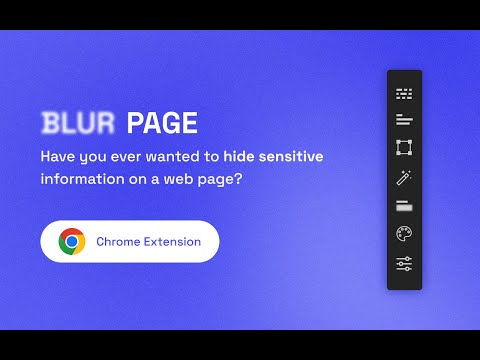
Hide sensitive information on page
This BlurPage extension provides a different ways to hide any information on the page without leaving your Chrome. It allows you to hide anything on your screen including: 1. Hide multiple words You can hide multiple words in the same or different paragraphs 2. Hide multiple lines It is easy to hide multiple lines at the same time 3. Hide an area You can create an area that you want to hide everything behind 4. Hide an element This is the easiest way to hide an element. Just click a magic icon in the toolbar, and hover on any element on the page There are different effects that you can apply for an area or multiple areas: 1. Blur Make existing areas blurry. It also provides the ability of changing the level of blur 2. Redact Redact areas with different colors 3. Mask Replace text with asterisks In addition to that, BlurPage provides a smart way to manage the areas. 1. Persists areas Prepare areas and reload the browsers by accident! Don't worry, the areas are still there and ready to be blurred! 2. Do more Apply an effect to multiple areas at the same time For more information on the extension, you can visit its official website at https://blur.page
1 星(5 星制)3 个评分
详情
隐私权

该开发者已声明,您的数据:
- 不会因未获批准的用途出售给第三方
- 不会为实现与产品核心功能无关的目的而使用或转移
- 不会为确定信用度或放贷目的而使用或转移
支持
若有任何疑问、建议或问题,请在桌面浏览器中打开此页面