


Overview
Block HTML elements on any website using selectors
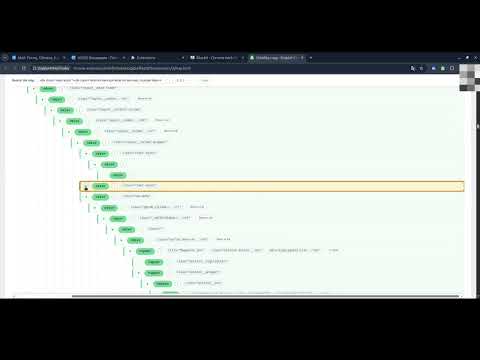
BlockIt lets you remove or hide unwanted elements on the websites you use—such as ads, banners, pop-ups, and distracting page sections. Instead of relying on a shared filter list, you decide exactly what to block and create your own rules. Getting started can be as simple as copying a CSS selector from Chrome DevTools and pasting it into BlockIt. For more difficult pages, you can create a rule from an element’s HTML or use the visual rule builder. It helps you combine element attributes, text, position, and surrounding page structure without memorizing selector syntax. BlockIt also supports XPath and rules that work inside iframes and Shadow DOM. You can remove elements completely or hide them, disable rules without deleting them, and export or import your rules. Rules are stored locally in your browser. BlockIt can also work alongside StableHTMLFinder: use it to identify stable element properties and copy a selector or rule into BlockIt.
5 out of 51 rating
Details
- Version1.2.2
- UpdatedOctober 12, 2026
- Size19.25MiB
- Languages8 languages
- DeveloperWebsite
Email
herwolf92@gmail.com - Non-traderThis developer has not identified itself as a trader. For consumers in the European Union, please note that consumer rights do not apply to contracts between you and this developer.
Privacy

BlockIt has disclosed the following information regarding the collection and usage of your data. More detailed information can be found in the developer's privacy policy.
BlockIt handles the following:
This developer declares that your data is
- Not being sold to third parties, outside of the approved use cases
- Not being used or transferred for purposes that are unrelated to the item's core functionality
- Not being used or transferred to determine creditworthiness or for lending purposes