

Blinders: Block Distracting Sites

Overview
Block distracting sites while you focus. Timed sessions, one-click blocking, no account, and nothing leaves your browser.
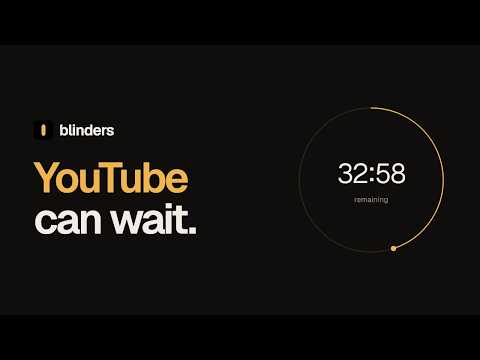
Blinders keeps the sites that steal your attention out of sight while you work. Pick a session length, hit Start focus, and every site on your list redirects to a calm page with a countdown and one button that takes you back to what you were working on. When the session ends, everything opens normally again. Made for anyone whose hands open YouTube before their brain has decided anything. WHAT IT DOES • Focus sessions: 25 minutes, 1 hour, 2 hours, or no limit. The toolbar badge counts down. • Block the site you're on with one click. • Tabs you already had open on blocked sites are caught the moment a session starts. • Ending a session early takes a 3-second hold. A small pause that beats impulse. • Your list is locked during a session. You can add sites, but not remove them. • Edit your list as text to paste or copy it in one go. Handy for moving between Chrome profiles. • Keyboard shortcut (Alt+Shift+F) to start a session. • See how many times today Blinders caught you. PRIVATE BY DESIGN • No account, no analytics, no ads. • Blinders makes no network requests. Your list never leaves Chrome. • Open source: read every line at https://github.com/ameersameerkhan/blinders Comes with a starter list of common distractions (social, video, news, games). Remove anything you need for work, or add your own.
0 out of 5No ratings
Details
- Version2.0.0
- UpdatedOctober 4, 2026
- Offered byAmeer Khan
- Size78.91KiB
- LanguagesEnglish (United Kingdom)
- Developer
Email
ameer.khan@gmail.com - Non-traderThis developer has not identified itself as a trader. For consumers in the European Union, please note that consumer rights do not apply to contracts between you and this developer.
Privacy

This developer declares that your data is
- Not being sold to third parties, outside of the approved use cases
- Not being used or transferred for purposes that are unrelated to the item's core functionality
- Not being used or transferred to determine creditworthiness or for lending purposes
Support
For help with questions, suggestions, or problems, visit the developer's support site