


概述
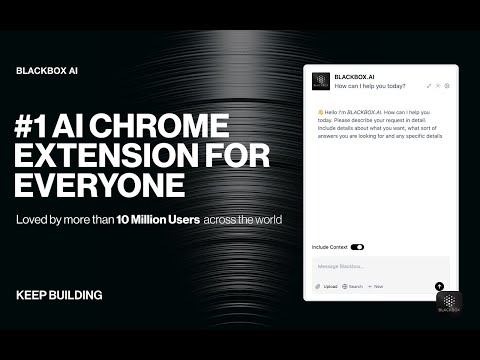
Getting Started with BLACKBOX AI Extension Seamlessly integrate BLACKBOX AI into your existing workflow to supercharge your…
Getting Started with BLACKBOX AI Extension Seamlessly integrate BLACKBOX AI into your existing workflow to supercharge your navigation experience. ### Code Chat: This is a walkthrough for using Code Chat to get answers to your coding questions: 1. Click on the Blackbox AI icon on the top right of your browser or click on "Manage Extension" then "Keyboard Shortcut" to assign a shortcut for opening the app. 2. Ask your coding question. 3. Get answers and suggestions in real-time. ### Add current page as context: To add the current page as context: 1. Click on the Blackbox AI icon on the top right of your browser or click on "Manage Extension" then "Keyboard Shortcut" to assign a shortcut for opening the app. 2. 1. Ensure "Include Context" option is activated. 3. Ask your question about page content. 4. Get answers and suggestions in real-time. ### Github Integration This is walkthrough for Github Integration : 1. When you view code on Github, you'll see a new button called "Code Chat" appear at the top of the code. 2. Ask your question about the code. 3. Get answers and suggestions in real-time. ### Image-To-Text This is walkthrough for OCR integration : 1. Press CTRL+E (Windows) or CMD+E (Mac) to activate OCR. 2. Select the zone. 3. Paste the result where you want.
2.7 星(5 星制)1191 个评分
详情
隐私权

该开发者已声明,您的数据:
- 不会因未获批准的用途出售给第三方
- 不会为实现与产品核心功能无关的目的而使用或转移
- 不会为确定信用度或放贷目的而使用或转移
支持
若有任何疑问、建议或问题,请访问开发者的支持网站