

Automatically add UTMs to Pardot email URLs
2 个评分
)
概述
Quickly append Google Analytics UTM parameters to all URLs in Pardot email templates.
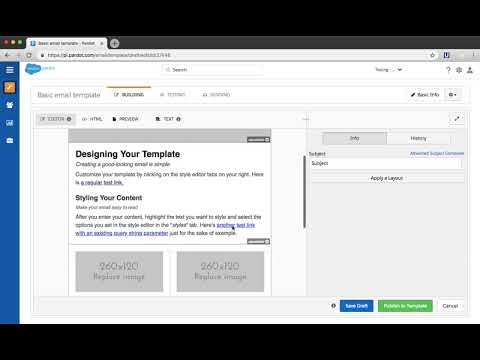
Save time and effort while boosting productivity with this free Chrome extension exclusive to Pardot users. This free extension allows you to define Google Analytics UTM parameters and automatically append them to all URLs in a Pardot email template, without needing to edit each URL one-by-one. Directions to use the plugin after installing: 1. Login to Pardot and edit any email template. 2. Click the plugin icon. 3. Enter your UTM parameters and submit. 4. New HTML with appended parameters will be generated. Copy the new HTML and paste into the HTML tab of your email template. 5. Save. Notes: - Currently works for email templates. - Automatically excludes URLs with variable tags (i.e. %%unsubscribe% and %%email_preference_center%%) - Can only be used when accessing Pardot from https://pi.pardot.com. ** Interested in additional features? Want to provide feedback? Please submit the following form: https://goo.gl/forms/z37zRWtz0EilaIYk1
1.5 星(5 星制)2 个评分
详情
- 版本0.0.0.3
- 上次更新日期2020年9月3日
- 提供方helptools
- 大小12.37KiB
- 语言English (United States)
- 开发者
邮箱
fixnamic@gmail.com - 非交易者该开发者尚未将自己标识为交易者。欧盟地区消费者须知:消费者权利可能不适用于您与该开发者达成的合约。
隐私权
支持
若有任何疑问、建议或问题,请在桌面浏览器中打开此页面