

Overview
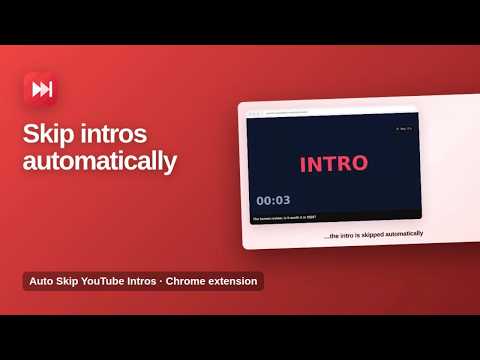
Automatically skips the first 10 seconds of YouTube videos and provides a manual skip button for easy sponsor bypass.
Skip YouTube intros automatically and see how much time you save. Auto Skip YouTube Intros jumps past the first seconds of every YouTube video, so you get straight to the content. It waits until ads are over, never cuts short clips and respects links that start at a specific time. ★ Automatic intro skip Choose 5, 10, 15, 30 or 60 seconds. Every new video starts right after the intro. ★ Smart rules Videos shorter than 1 minute are never skipped, and links that open at a timestamp (&t=) play exactly where they should. ★ Skip-ahead button in the player A small button in the YouTube player jumps forward by the amount you choose, any time you want. ★ Time saved counter The popup shows how much time you have saved and how many videos were skipped. ★ Light and dark mode The popup follows your system theme. How to use 1. Install the extension and open any YouTube video. 2. The intro is skipped automatically. 3. Click the toolbar icon to change the skip time or turn auto skip off. Available in English, Spanish, Portuguese, German, French and Turkish. Private by design The extension only works on youtube.com and does not collect any data. Your settings and time-saved stats are stored on your own device. More information: https://www.extensions.kominikee.com/auto-skip-youtube-intros/
5 out of 51 rating
Details
- Version1.2
- UpdatedOctober 22, 2026
- Size21.17KiB
- Languages6 languages
- DeveloperKominike DigitalWebsite
Esentepe, Büyükdere Cd. No:12 Mecidiyeköy, İstanbul 34200 TREmail
hello@kominikee.com - Non-traderThis developer has not identified itself as a trader. For consumers in the European Union, please note that consumer rights do not apply to contracts between you and this developer.
Privacy

This developer declares that your data is
- Not being sold to third parties, outside of the approved use cases
- Not being used or transferred for purposes that are unrelated to the item's core functionality
- Not being used or transferred to determine creditworthiness or for lending purposes
Support
For help with questions, suggestions, or problems, please open this page on your desktop browser