

ats-fill

Overview
Local-first ATS form-filling assistant. Save your profile once, review answers, and fill forms with your own Gemini key.
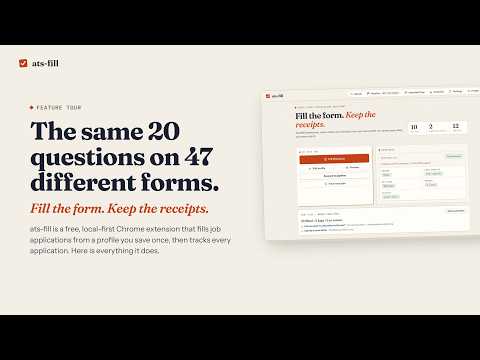
ats-fill fills job applications from a profile you save once, and you review every field before you submit. Fill application forms in place on the most common applicant tracking systems, with partial support on many others. Fill also attaches your saved resume file to the form's resume upload (you can turn this off); like everything you fill in, it reaches the employer's application site only when you submit the form yourself. Preview every answer before it's used. Corrections you make on forms are remembered for next time, and you can review, edit or delete them. Search many job boards from one panel, and save any result to your pipeline with one click. Track every application on a board from draft to offer, import past applications from a spreadsheet, and see response analytics computed from your own history. Practice for interviews with questions generated for the specific job. Optional AI drafting and resume parsing use your own free Google Gemini key. Without a key, filling, tracking, search and analytics all still work. How to use it: accept the privacy notice, upload your resume and check the parsed details, fill in your preferences, then open an application page and press Fill. Review the form and submit it yourself. ats-fill never submits for you. Privacy: everything is stored only in your browser on your device. There is no account, no server and no analytics. Data leaves your device only when you start a job search, an AI request with your own key, or an optional profile import, and when you submit an application yourself (the employer's site then receives the answers filled in and any resume attached). Sensitive demographic fields are off by default and never sent to AI. Source code and support: https://github.com/nitsuah/ats-fill
0 out of 5No ratings
Details
- Version1.0.4
- UpdatedOctober 26, 2026
- Offered bynitsuahlabs
- Size387KiB
- LanguagesEnglish
- Developer
Email
nitsuahlabs@gmail.com - Non-traderThis developer has not identified itself as a trader. For consumers in the European Union, please note that consumer rights do not apply to contracts between you and this developer.
Privacy

ats-fill has disclosed the following information regarding the collection and usage of your data. More detailed information can be found in the developer's privacy policy.
ats-fill handles the following:
This developer declares that your data is
- Not being sold to third parties, outside of the approved use cases
- Not being used or transferred for purposes that are unrelated to the item's core functionality
- Not being used or transferred to determine creditworthiness or for lending purposes
Support
For help with questions, suggestions, or problems, please open this page on your desktop browser