

ChatGPT Search
ExtensionTools10 users

Overview
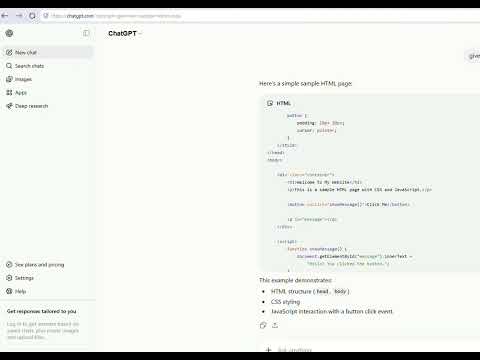
Auto-send ChatGPT prompts from ?prompt= URLs. Quick search + one-time setup for address-bar shortcut c.
Search ChatGPT from your address bar—fast, simple, and distraction-free. This extension auto-sends prompts and helps you add a one-time c shortcut. It does not replace your default search engine. How it works - One-time setup: add ChatGPT as a site search engine using copy-paste values in the popup... - Type c + Tab + question + Enter - Extension auto-sends on chatgpt.com Settings (click the extension icon) - Quick search - Copy-paste setup for Chromium browsers - Toggle auto-send What you get / What to expect - (updated — no omnibox, no auto-add search engine, etc.)
0 out of 5No ratings
Details
- Version2.0.1
- UpdatedJune 29, 2026
- Offered byjovylle
- Size16.48KiB
- LanguagesEnglish
- Developer
Email
me@jovylle.com - Non-traderThis developer has not identified itself as a trader. For consumers in the European Union, please note that consumer rights do not apply to contracts between you and this developer.
Privacy

Manage extensions and learn how they're being used in your organization
The developer has disclosed that it will not collect or use your data. To learn more, see the developer’s privacy policy.
This developer declares that your data is
- Not being sold to third parties, outside of the approved use cases
- Not being used or transferred for purposes that are unrelated to the item's core functionality
- Not being used or transferred to determine creditworthiness or for lending purposes