

Annotation, Full Page Capture & Snipping Tool

Обзор
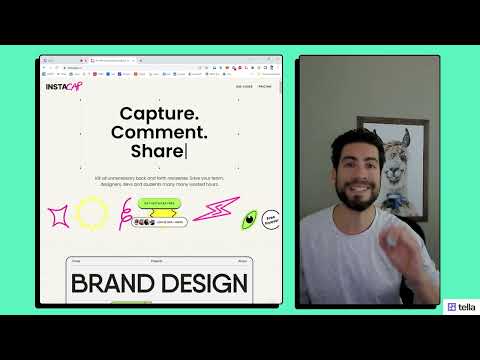
Instacap is a screenshot editor & annotation tool for full page screen capture, pdf annotation & more—for instant visual feedback
Screenshot editor & annotation tool for fast & simple visual feedback. Use Instacap’s annotation & snipping tool for full page screen captures, pdf annotation and visual comments for clear in-context discussions. ⚡️ Annotation Tool & Screenshot Editor—annotate and edit screenshots by adding text, circle, arrow, drawing and more via a simple UI ⚡️ Full Page Screen Capture & Snipping Tool—Capture a scrolling full page screenshot or crop the image to any size ⚡️ Screenshot Blur Tool— Add image blur to block out parts of the screen capture don't want to share securely and easily ⚡️ Instant Visual Feedback—Instantly share a link to your screen capture for quick visual feedback and annotations ⚡️ Instant Loom Video/Audio —Instantly share a screen recording or video for quick visual feedback and annotations ⚡️ PDF Annotation—Upload and annotate PDF's, images and other files for clear in-context discussions Instacap is currently in beta. Feedback welcome :) - [help@instacap.co](mailto:help@instacap.co)
4,8 из 525 оценок
Подробности
- Версияwilson-3.2.6
- Обновлено13 июня 2024 г.
- Автор:Instacap.co
- Размер444KiB
- ЯзыкиEnglish
- РазработчикInstaCap, LLC
270 Aurora St Hudson, OH 44236-2941 USЭлектронная почта
brian@instacap.coТелефон
+1 614-560-6551 - ПродавецЭтот разработчик заявил, что является продавцом согласно определению Европейского Союза, и взял на себя обязательство предлагать только товары и услуги, соответствующие законодательству ЕС.
- D-U-N-S137892189
Конфиденциальность

Этот разработчик утверждает, что ваши данные:
- Не продаются третьим лицам, за исключением разрешенных вариантов использования
- Не используются и не передаются в целях, не связанных с работой основных функций продукта
- Не используются и не передаются для определения платежеспособности или в целях кредитования
Поддержка
Чтобы сообщить об ошибках в работе продукта, задать вопрос или поделиться идеями, откройте эту страницу в браузере для компьютера.