

Analytics Tracker

Tổng quan
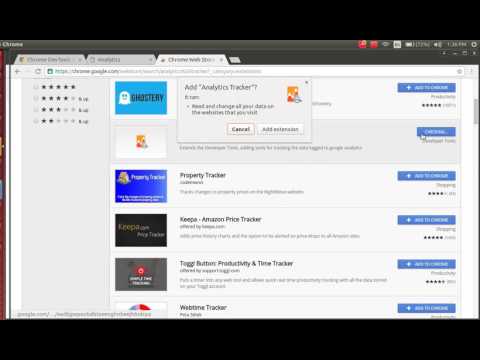
Extends the Developer Tools, adding tools for tracking the data logged to google analytics
This extension allows you to track the data that your webpage is logging to the analytics server based on your activity. Analytics Tracker is a devtool and will be available in the developer tools after installation. It adds a new tab in the developer tools by the name 'Google Analytics'. You can view it by More tools -> Developer Tools from the Chrome Menu. Hit the Start recording button to start tracking the analytics data. You can now start browsing/using the website generally and it will show you all the data that the site is logging via analytics. You can stop/restart/clear this data at any point. This extension can also be used by developers to validate if they have covered all checkpoints for logging data to analytics and test out the logging as a user.
0/5Không có lượt xếp hạng nào
Chi tiết
- Phiên bản1.0.1
- Đã cập nhật4 tháng 10, 2016
- Nhà cung cấpKunjan Thakkar
- Kích thước180KiB
- Ngôn ngữEnglish
- Nhà phát triển
Email
kunjan.thakkar01@gmail.com - Người bán phi thương mạiNhà phát triển này không tự nhận mình là người bán. Đối với người tiêu dùng ở Liên minh Châu Âu, xin lưu ý rằng các quyền của người tiêu dùng không được áp dụng trong hợp đồng giữa bạn và nhà phát triển này.
Quyền riêng tư

Hỗ trợ
Nếu bạn có câu hỏi, ý kiến đề xuất hoặc gặp vấn đề, vui lòng mở trang này bằng trình duyệt dành cho máy tính để được trợ giúp